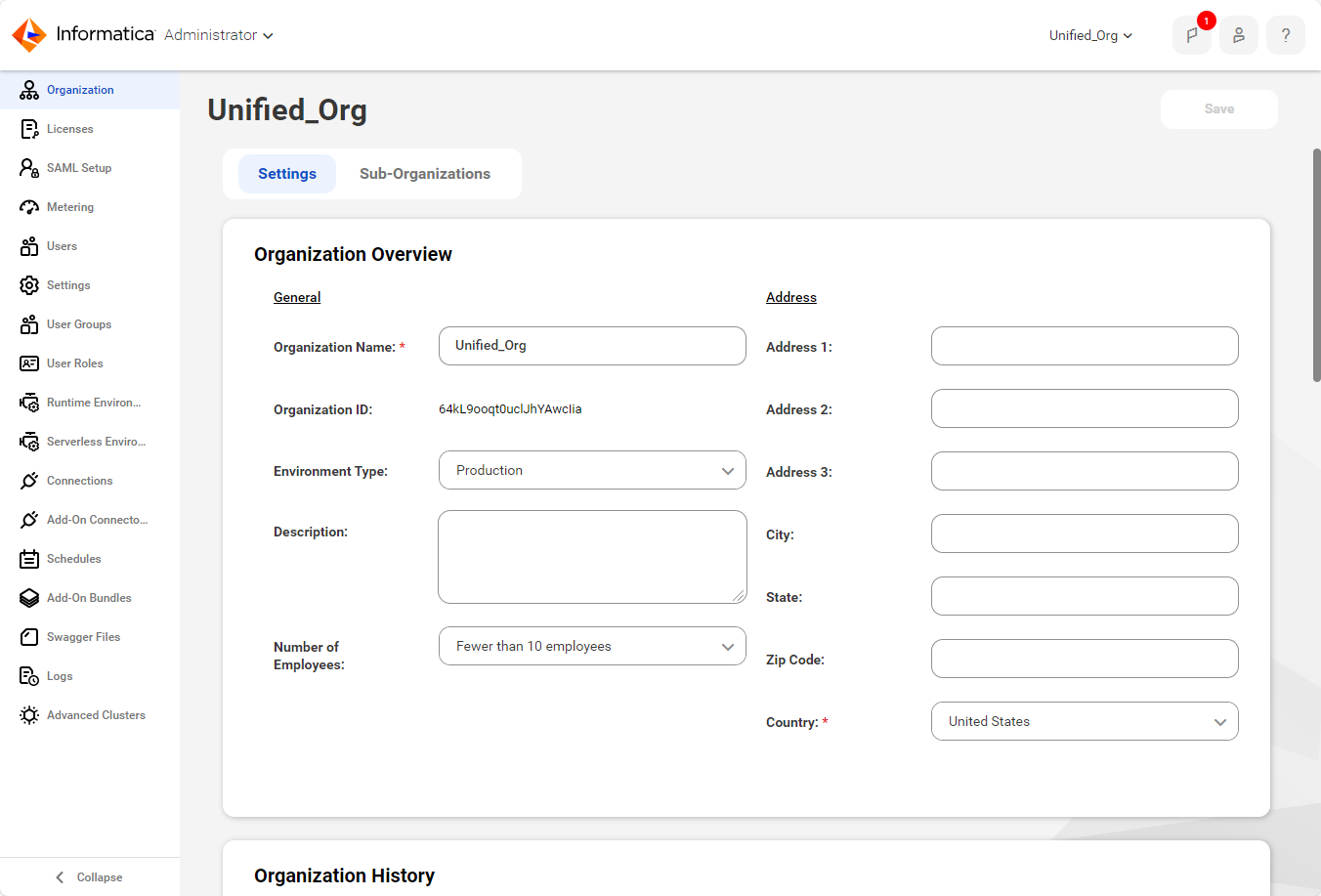
Property | Description |
|---|---|
Name | Name of the organization. If you change the organization name, the new name appears on the Organization menu after you log out and log back in. |
ID | ID assigned to your organization when it was created. You cannot change an organization ID. |
Parent Organization ID | When you view a sub-organization, this property displays the ID assigned to the parent organization. You cannot change an organization ID. |
Organization Status | When you view a sub-organization, this property indicates whether the sub-organization is enabled or disabled. |
Environment Type | Environment type for the organization, either Development, Production, QA, or Sandbox. IDMC sets the environment type based on the organization license. In some cases you can edit the value. The environment type is set in the following ways:
There is no difference in functionality among the environment types. Important: Validate the value periodically to ensure it matches your organization's deployment environment. If the value is incorrect and you are unable to change it, contact Global Customer Support. Note: If you are the administrator of a sub-organization but not its parent organization, the user interface allows you to set the environment type to any type, including types that aren't available for your license. To avoid billing issues, don't change the environment type to one that isn't available for your license. |
Description | Optional description of the organization. |
Number of Employees | Number of employees in the organization. |
Deny parent organization access to this sub-organization | When this option is checked, users in the parent organization cannot switch from the parent organization to the sub-organization. Users in the parent organization with the appropriate privileges can make only the following changes to the sub-organization:
This option is displayed on the Organization page for sub-organizations. This option can be changed when an administrator in the sub-organization logs in to the sub-organization. This option is read-only when a parent organization administrator views the organization properties for the sub-organization. This option is unchecked by default. |