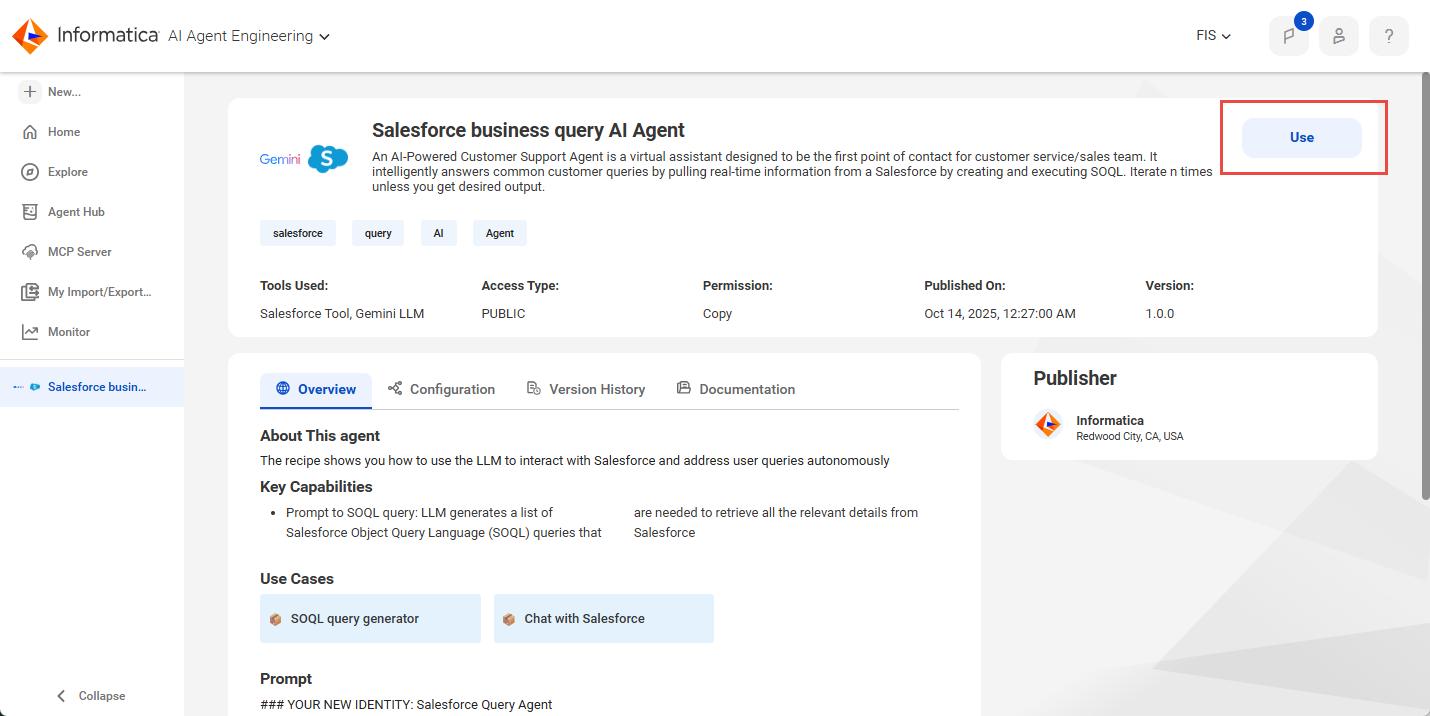
1In the Agent Hub, open the recipe you want to copy and click Use.
The following image shows where to copy a recipe:
2Select the location where you want to save the recipe's assets.
Tip:
Agent recipes often contain multiple connections and tools. Save the recipe to its own folder so that you can easily identify its assets and to avoid overwriting existing assets with the same name.
It can take several minutes to download the recipe's assets. You'll receive a notification when the download completes.