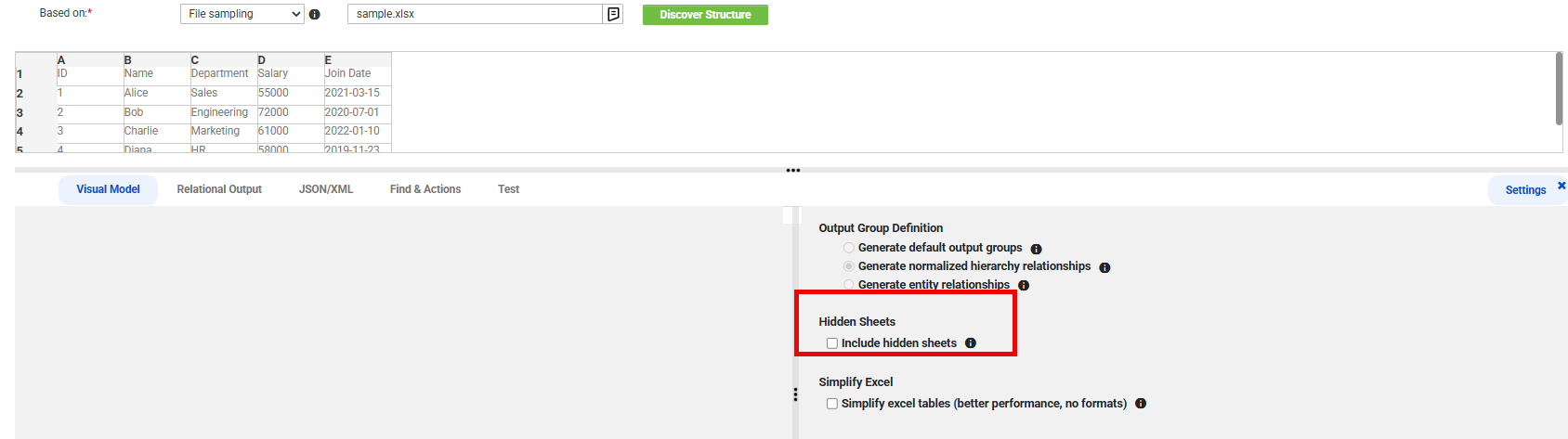
You can include hidden sheets when you parse Microsoft Excel workbooks with the Claire engine.
By default, intelligent structure discovery reads only the visible sheets in a workbook. To also read the hidden sheets, select the Include hidden sheets option before you discover the structure.
To include hidden sheets, in the Settings panel, under Hidden Sheets, select Include hidden sheets, and then click Discover Structure.
When you include hidden sheets, both the visible and hidden sheets appear in the sheet list providing a complete view of the workbook that the intelligent structure model reads.