The following image shows the ticket manager: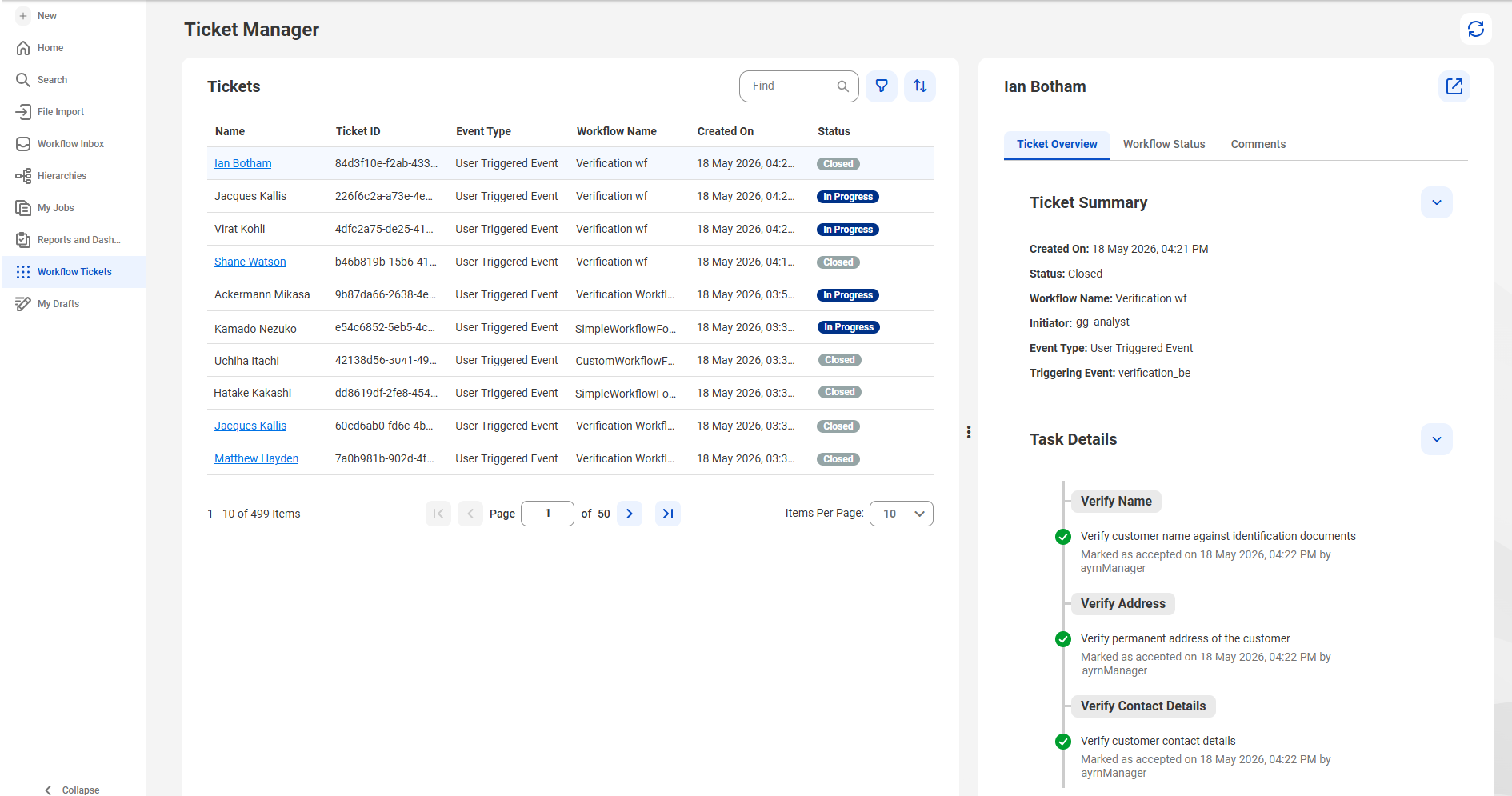
Tab | Description |
|---|---|
Ticket Overview | Displays the ticket summary and task details. The ticket summary includes details, such as the created date, status, workflow name, initiator, event type of the workflow, and the triggering event. The ticket details include the completed tasks in the workflow, such as the date and time of completion, action taken, and the name of the user who completed the task. |
Workflow status | Displays a flow chart that illustrates the workflow and indicates its current status. |
Comments | Displays the comments that stakeholders added to each task. |