1On the Preview and Import File page of the File Import wizard, perform one of the following tasks:
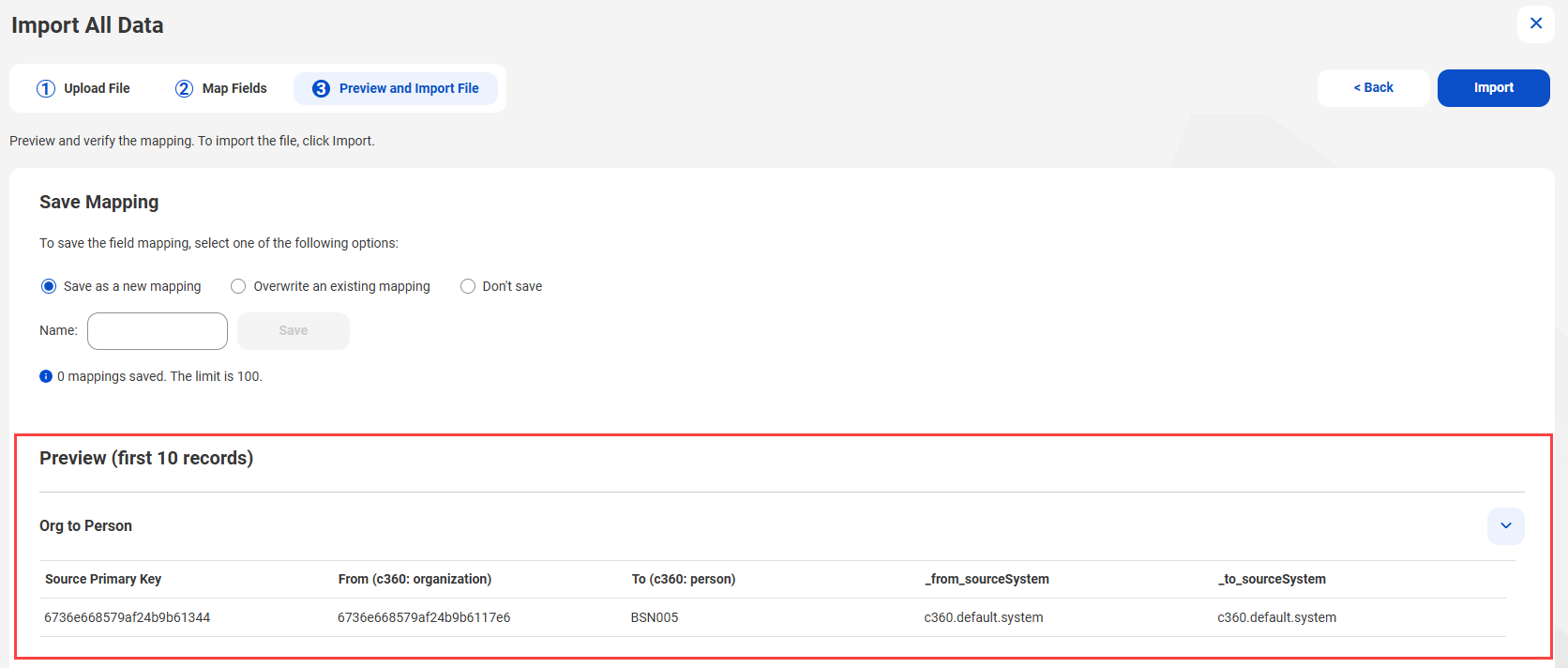
- - To save the mapping, select Save as a new mapping, and specify a name for the mapping.
Note:
Ensure that you provide a unique mapping name.
If you provide an existing mapping name, you can't save the mapping.
- - To overwrite an existing mapping, select Overwrite an existing mapping, click Select, select a mapping, and then click Apply.
- - To discard the mapping, select Don't save.
The following image shows the preview of a sample relationship data import:
2To import the file, click Import
The import process starts.