Delete a task
You can delete an existing replication task that is no longer needed.
Before you begin, make sure that the task is not currently running and is no longer used.
Note: Do not delete another user's task without the user's permission.
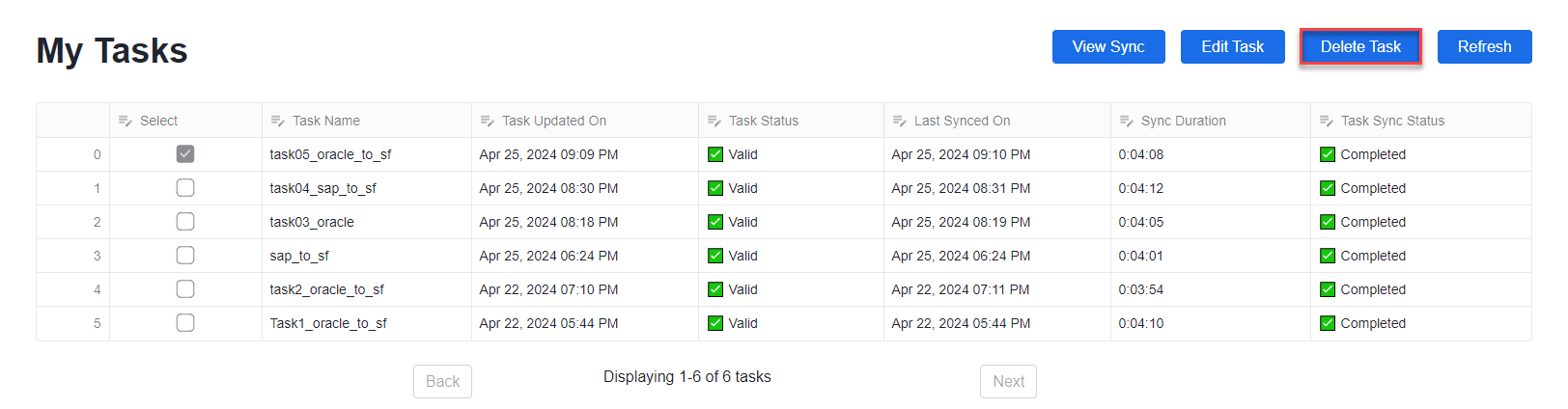
1In the My Tasks list on the home page, select the task that you want to delete.
2Click the Delete Task button.
The task is immediately deleted and does not appear in the My Tasks list any longer.