1In the My Tasks table on the home page, select the task you want to edit.
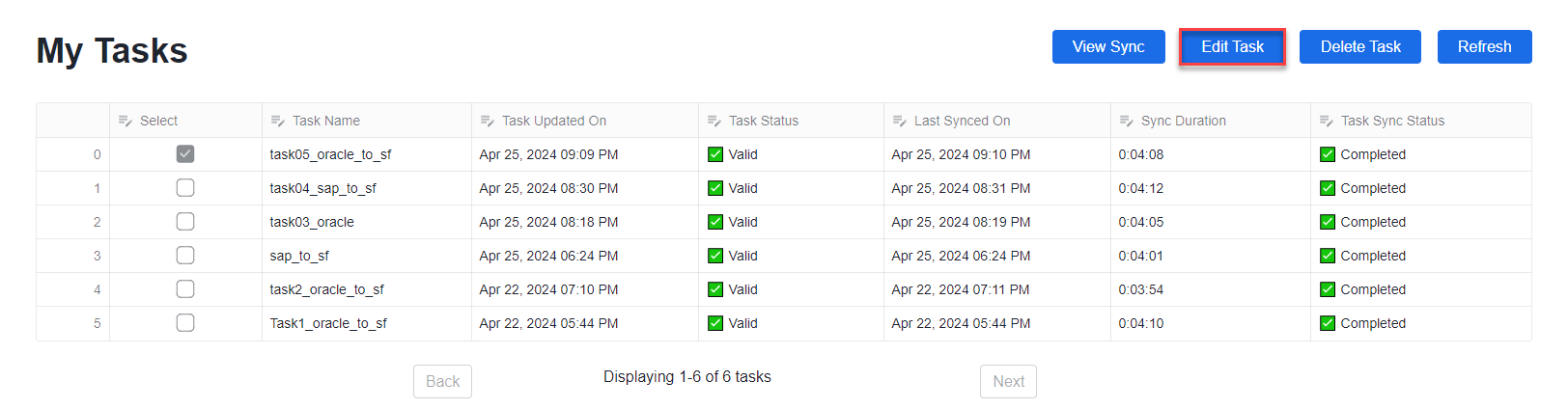
2Click the Edit Task button.
The source configuration page opens with the same three configuration steps that you completed when first defining the task.
3Edit any of the fields, including the source connection.
4When done, click Save.
5If you want to start the task using its updated settings, click Run. Or you can run it later from the My Tasks section of the home page by selecting the task, clicking Edit Task, and then clicking Run.
The My Tasks table on the home page is redisplayed and shows the task status.