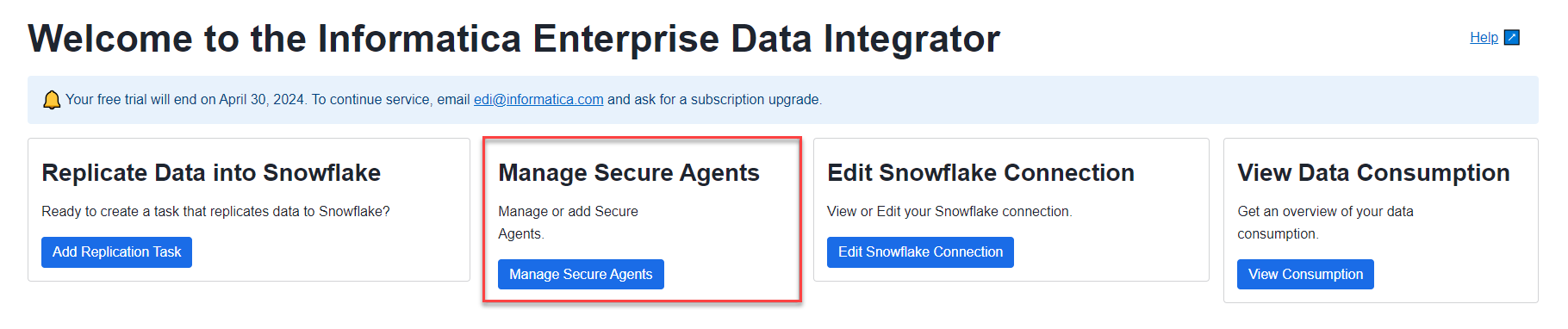
After you install one or more Secure Agents, you can manage your Secure Agents on the My Secure Agents page.
You can access the My Secure Agents page from the Home page by clicking Manage Secure Agents:
Alternatively, when you finish installing a Secure Agent, click Manage Secure Agents on the Complete Initial Setup page.
From the My Secure Agents page, you can perform the following tasks:
•Check the status of a Secure Agent to see if it's running.
•Add another Secure Agent by clicking Add Secure Agent.
•Delete a Secure Agent by selecting the agent row in the Delete column and clicking the Delete Secure Agent button. You cannot delete a Secure Agent that is up and running.
•Configure optional runtime properties for a Secure Agent by clicking Agent Properties.
Note: When the Enterprise Data Integrator is upgraded from the trial mode to subscription mode, your Secure Agent might have the status of "Not all services are running." During the upgrade to the new edition, Informatica packages and connectors are downloaded, which causes the initialization of agent services to take a longer time. In this situation, ask your Enterprise Data Integrator app administrator or Informatica contact to check if the agent services you need are running. When the Secure Agent is Up and Running, proceed to work with tasks.