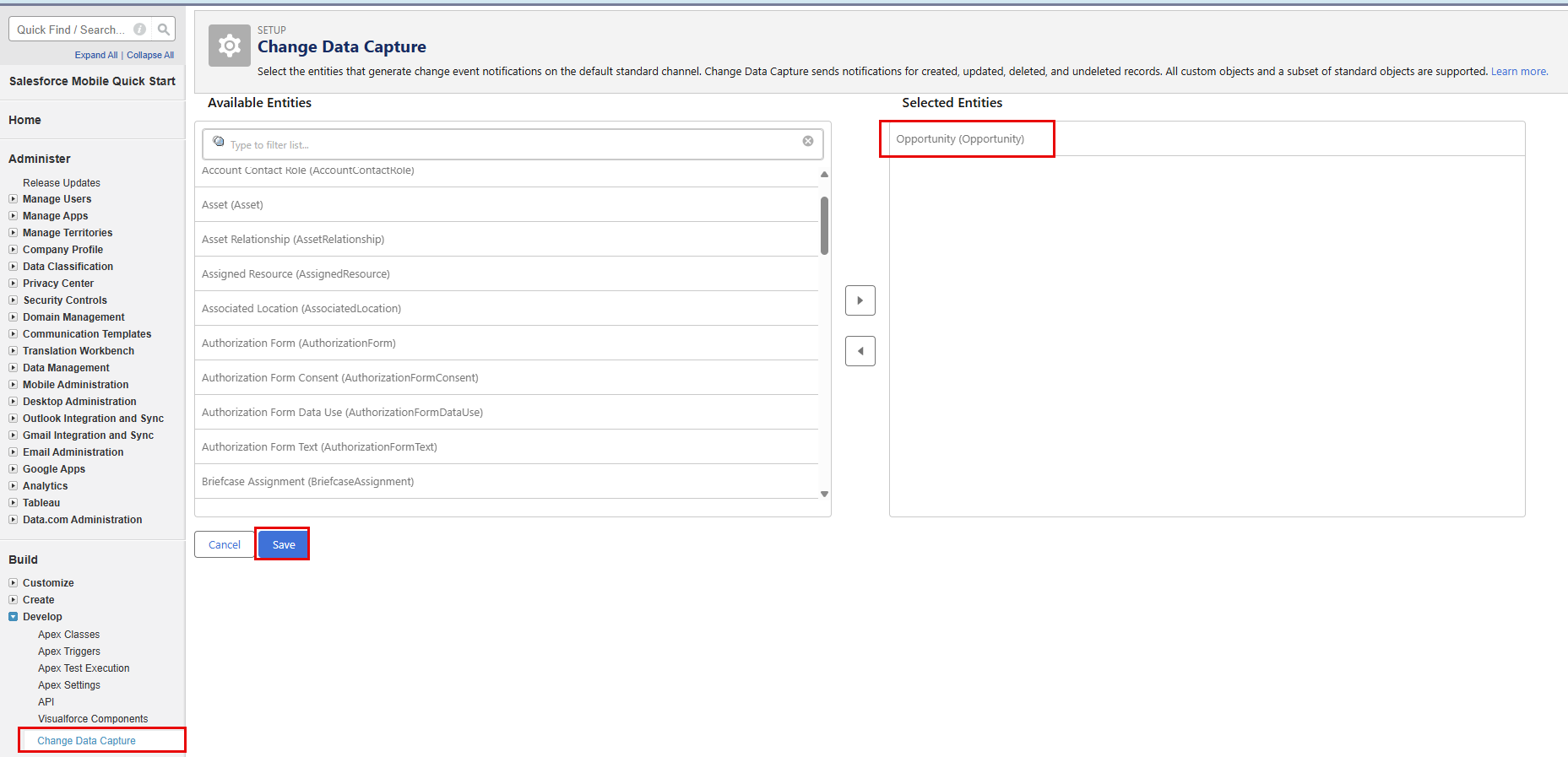
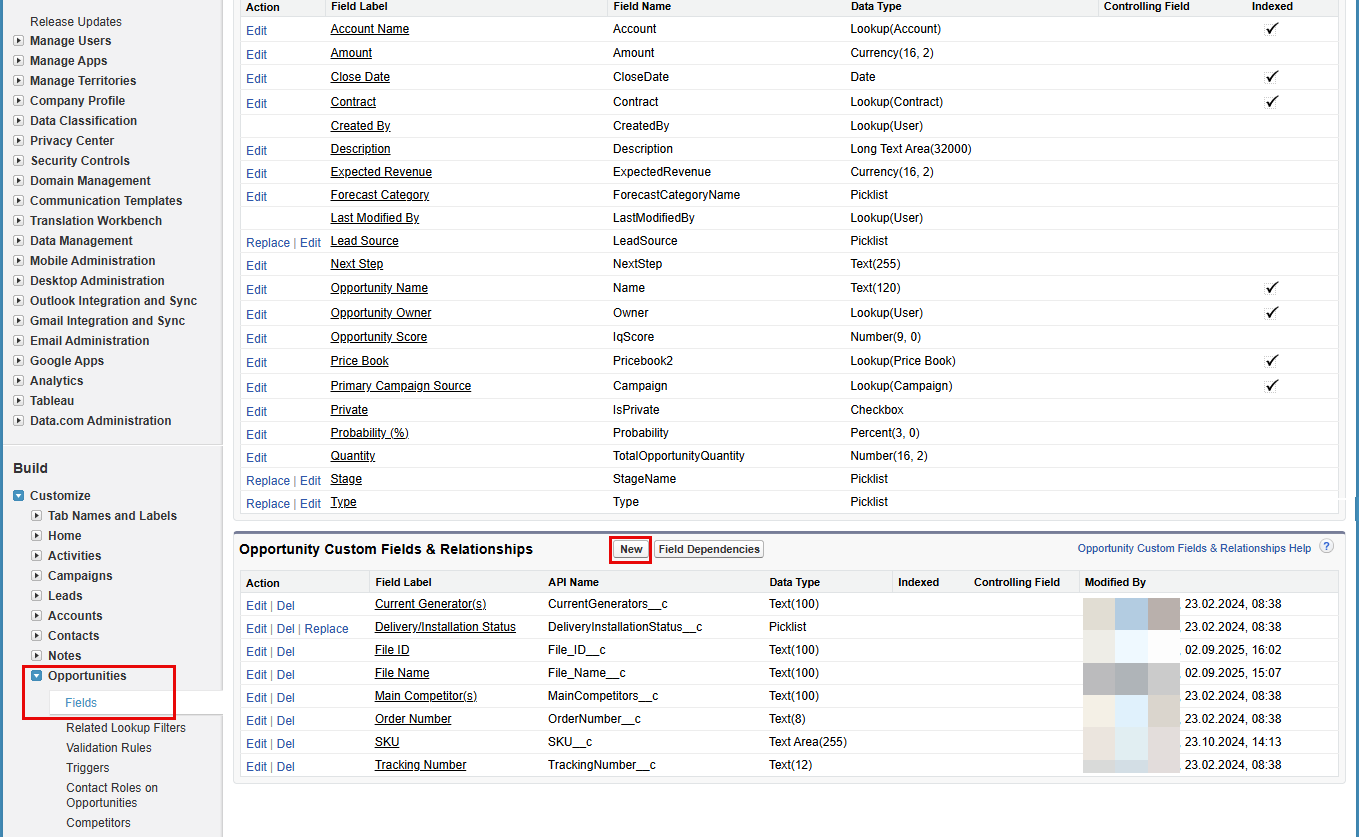
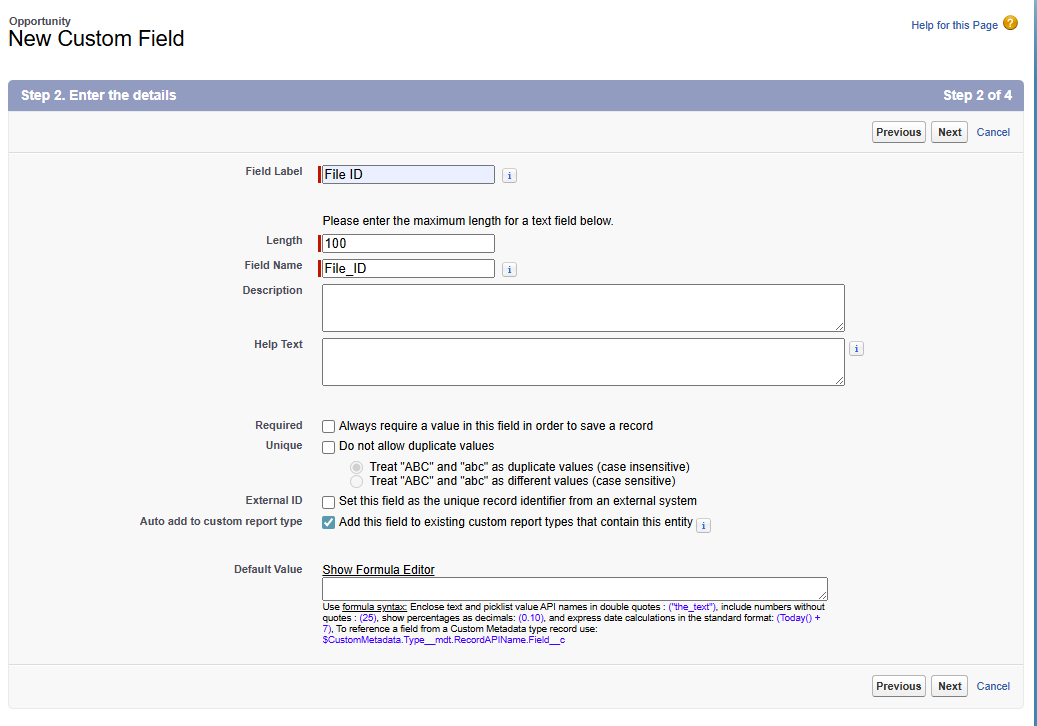
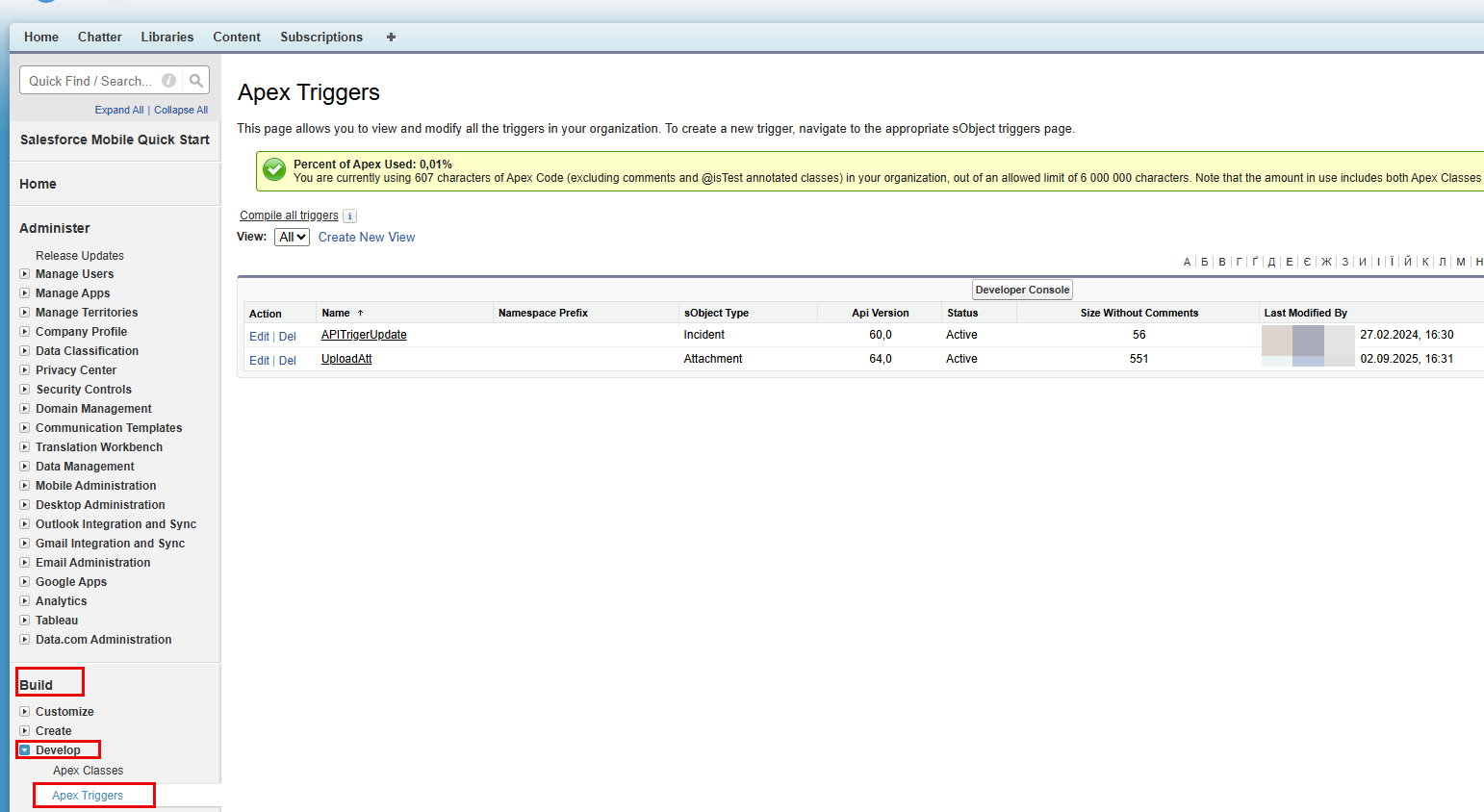
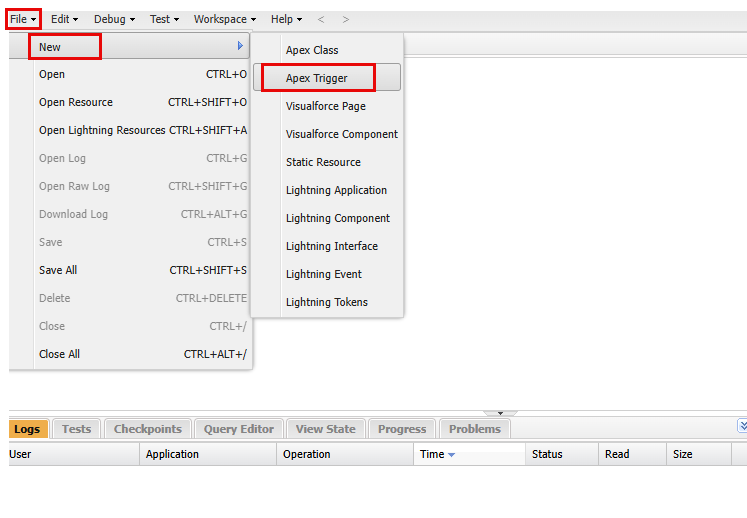
3In the Developer Console, go to File > New > Apex Trigger as shown in the following image:
4Enter the trigger name, select Opportunity from the sObject list, and then click Submit.
5Enter the following code snippet and save the trigger.
trigger {trigger name} on Attachment (after insert) { Map<Id, String> oppUpdates = new Map<Id, String>();
for (Attachment att : Trigger.new) { if (String.valueOf(att.ParentId).startsWith('006')) { oppUpdates.put(att.ParentId, att.Id); } }
if (!oppUpdates.isEmpty()) { List<Opportunity> oppToUpdate = [SELECT Id, Name FROM Opportunity WHERE Id IN :oppUpdates.keySet()]; for (Opportunity c : oppToUpdate) { c.File_ID__c= oppUpdates.get(c.Id); } update oppToUpdate; } }