After you create a Coupa OAuth V2 connection, you can validate and save the connection. You can then publish the Coupa OAuth V2 connection and click the Metadata tab to view the generated process objects for the connection.
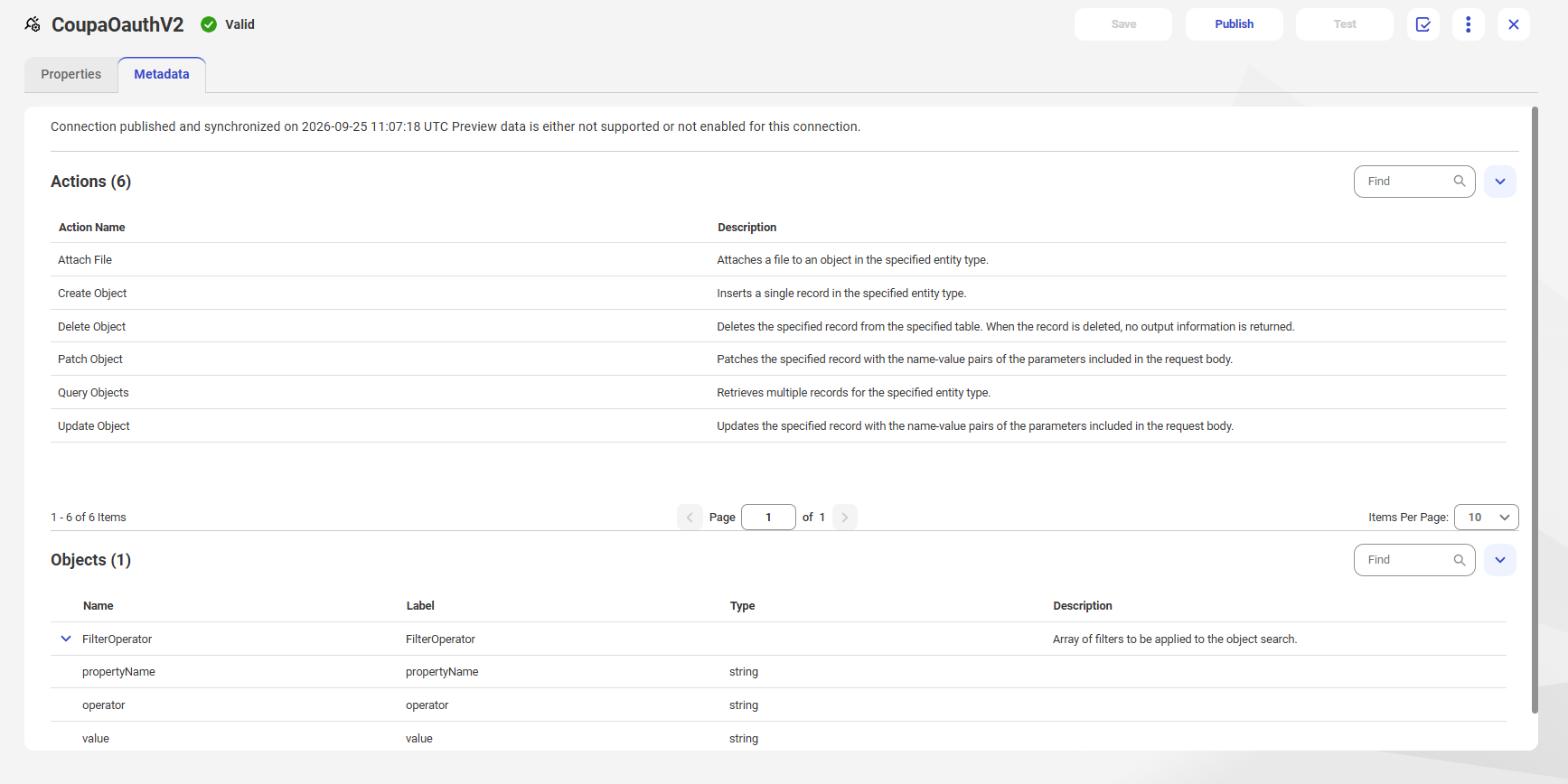
When you publish a Coupa OAuth V2 connection in Application Integration, the Actions and Objects appear on the Metadata tab.
The following image shows the Metadata tab for a published Coupa OAuth V2 connection: