After you create a Google PubSub connection, you can validate and save the connection. You can then publish the connection and view the generated process objects on the Metadata tab.
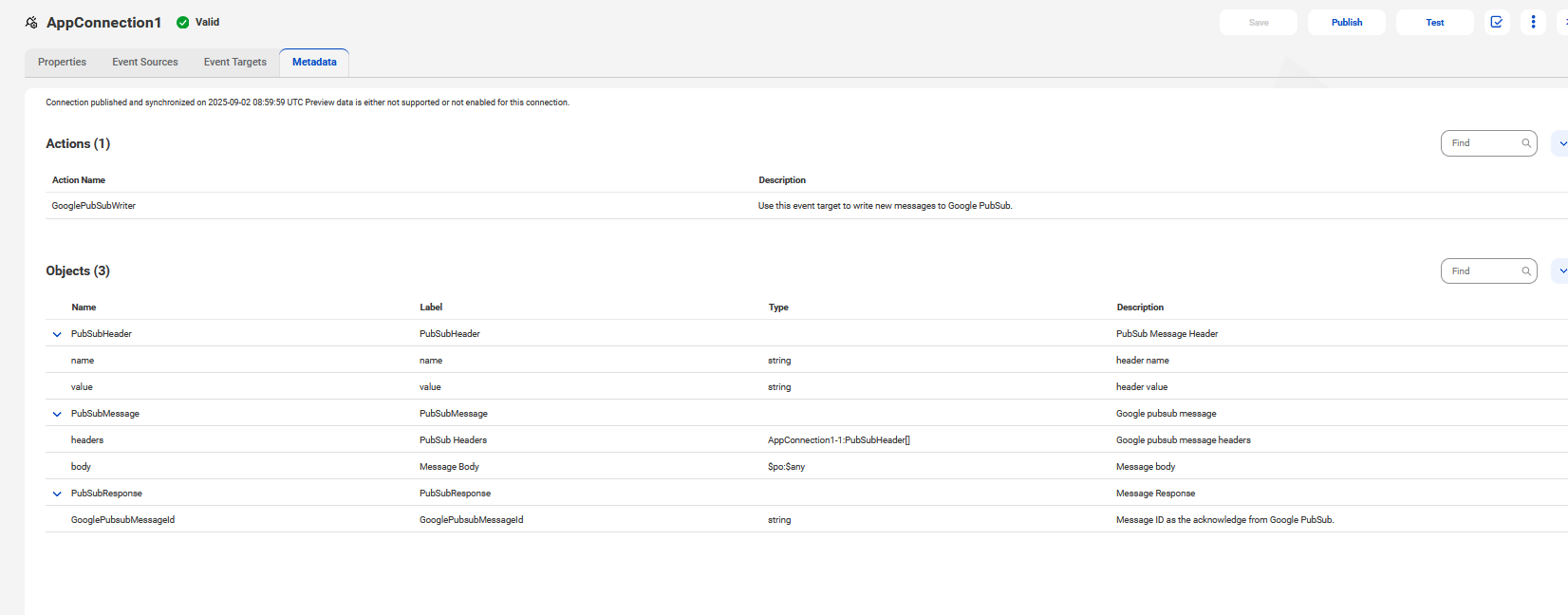
When publish a Google PubSub Connection in Application Integration, a list of Actions and Objects appear on the Metadata tab.
The following image shows the Metadata tab for a published Google PubSub Connection: