After you create a Google PubSub connection, you can use it in a Service step in a process.
1Add a Service step to the process.
2Click the Service tab.
3From the Service Type list, select Connection.
4From the Connection list, browse and select the Google PubSub connection that you created.
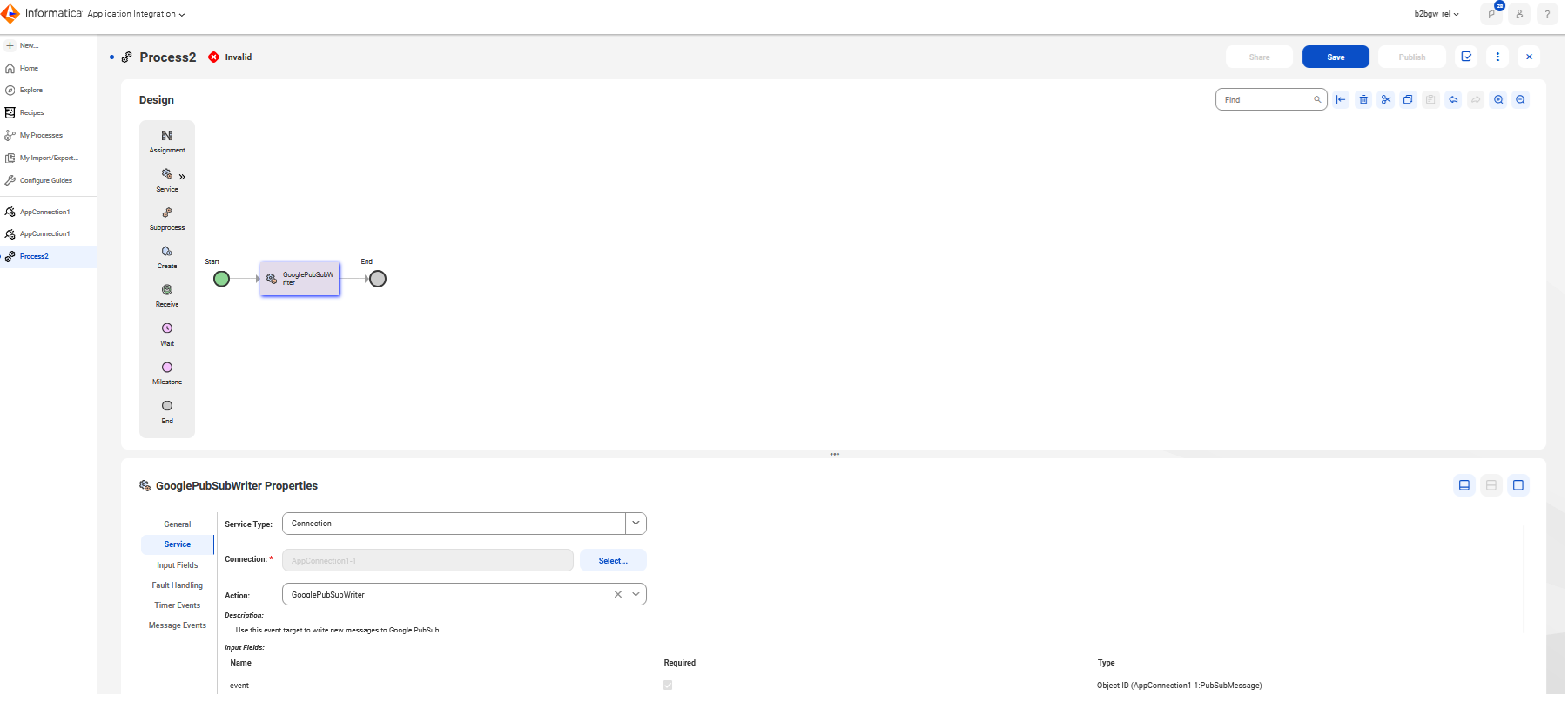
5From the Action list, select the action that you want to perform on Google PubSub. For example, select GooglePubSubWriter to write new messages to Google PubSub as shown in the following image:
6Configure the reader and writer fields, such as the message header, body, response, and so on.