After you create a HubSpot connection, you can validate and save the connection. You can then publish the HubSpot connection and click the Metadata tab to view the generated process objects for the connection.
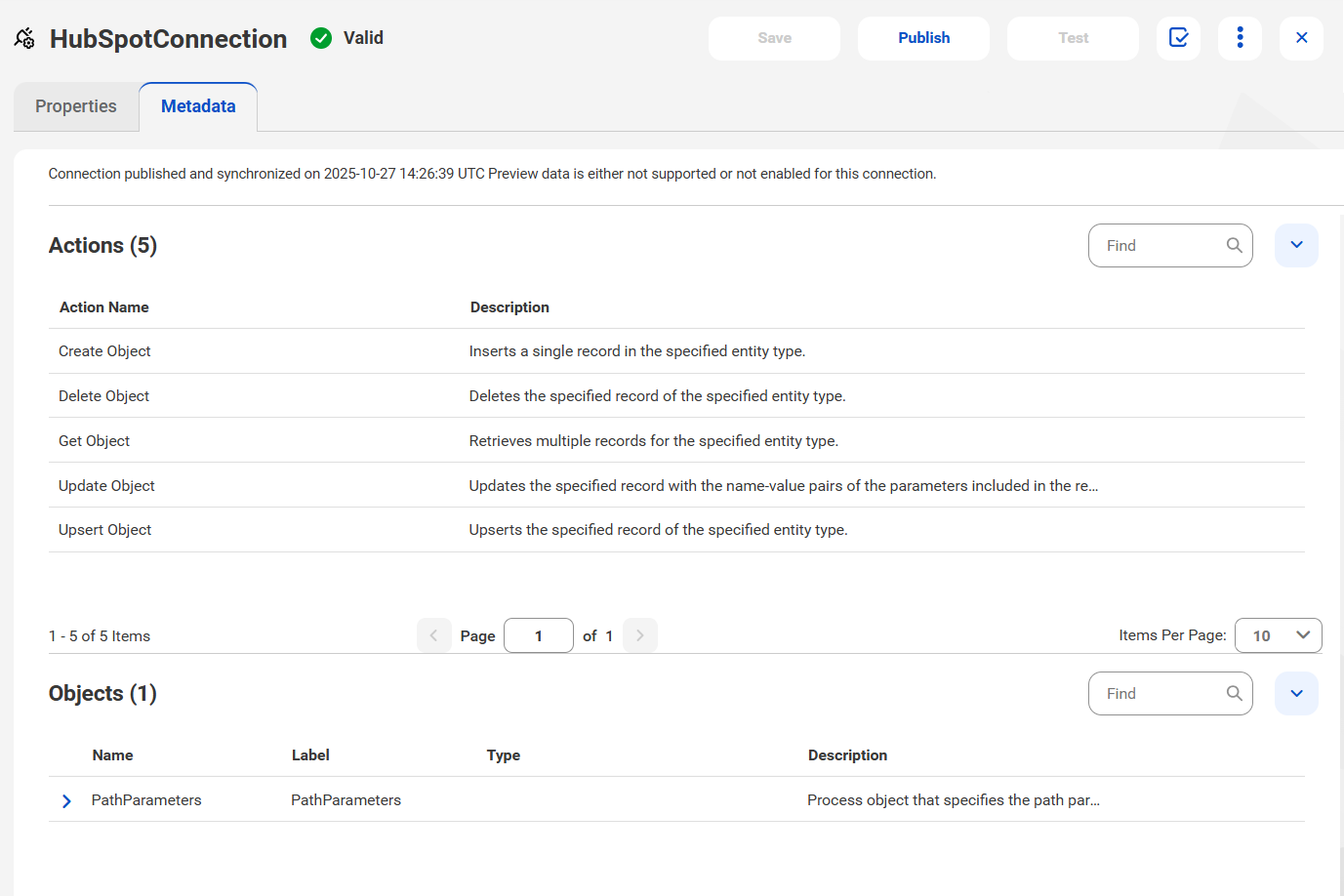
When you publish a HubSpot connection in Application Integration, the Actions and Objects appear on the Metadata tab.
The following image shows the Metadata tab for a published HubSpot connection: