You define an SAP IDoc event source to read data from SAP through IDocs and consume events from SAP IDoc listeners.
For each SAP IDoc connection that you create, you can add only one event source. An event source serves as a start event that listens to or monitors a specified SAP IDoc queue for new messages. After you define an event source for an SAP IDoc connection, you must publish the connection only on a Secure Agent. You use the event source in a process to consume messages from a queue as process objects. Then, you deploy the process on the same Secure Agent where you published the SAP IDoc connection.
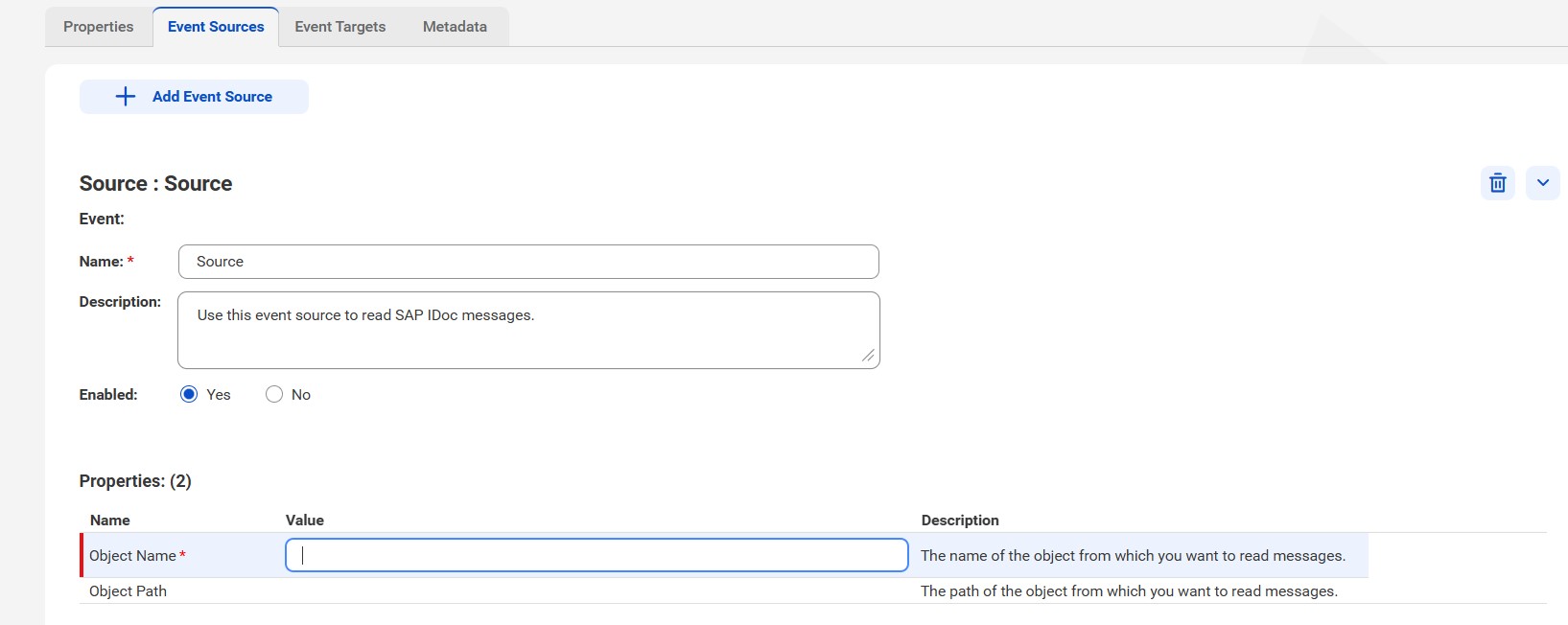
To create an event source in an SAP IDoc connection, click Add Event Source on the Event Sources tab. Select the event source type as Event Source.
The following image shows the event source properties:
The following table describes the basic event source properties that you can configure:
Properties
Description
Name
The event source name that appears in the Process Designer. The name must be unique for the connection.You can change this property after you create the connection. The name cannot exceed 128 characters, contain spaces, or contain the following special characters: