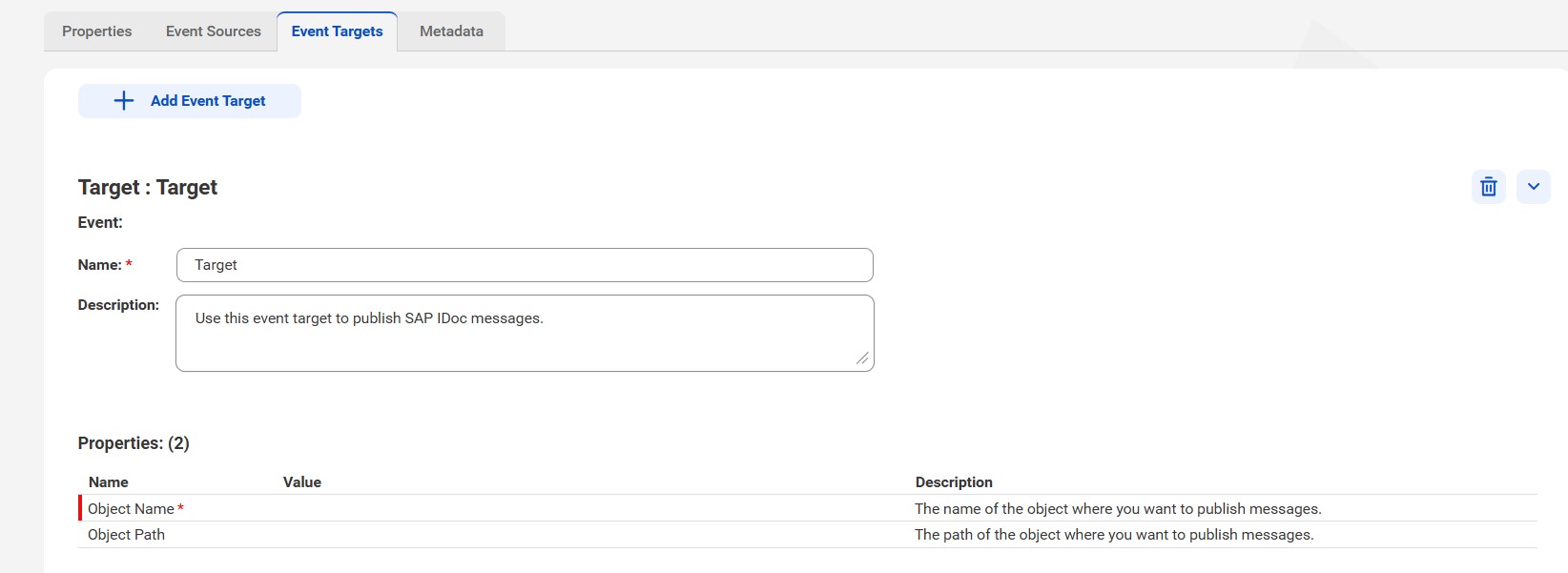
Properties | Description |
|---|---|
Name | The event target name that appears in the Process Designer. The name must be unique for the connection. The name cannot exceed 128 characters, contain spaces, or contain the following special characters: ~ ` ! $ % ^ & * ( ) - + = { [ } ] | \ : ; " ' < , > . ? / |
Description | Optional. Description for the event target that appears in the Process Designer. The description cannot exceed 4,000 characters. |
Properties | Description |
|---|---|
Object Name | The name of the object where you want to publish messages. Enter the object name in the following format: IDocListener_Dest_<username>_<client> |
Object Path | Optional. The path of the object where you want to publish messages. |