1On the Data Access Management page, select a data access control policy or a data filter policy that uses pushdown enforcement.
2Click the Enforcement tab and review the fields.
The following table describes the fields that appear on the Enforcement tab:
Field | Description |
|---|---|
Assets | Assets to which Data Governance and Catalog can apply the data access policy. |
Path | The hierarchy of the asset. |
Enforcement Status | Whether Data Governance and Catalog applies the data access policy to the asset. The status is either ENFORCED, PARTIALLY ENFORCED, or NOT ENFORCED. |
Updated On | Time stamp of the most recent enforcement. |
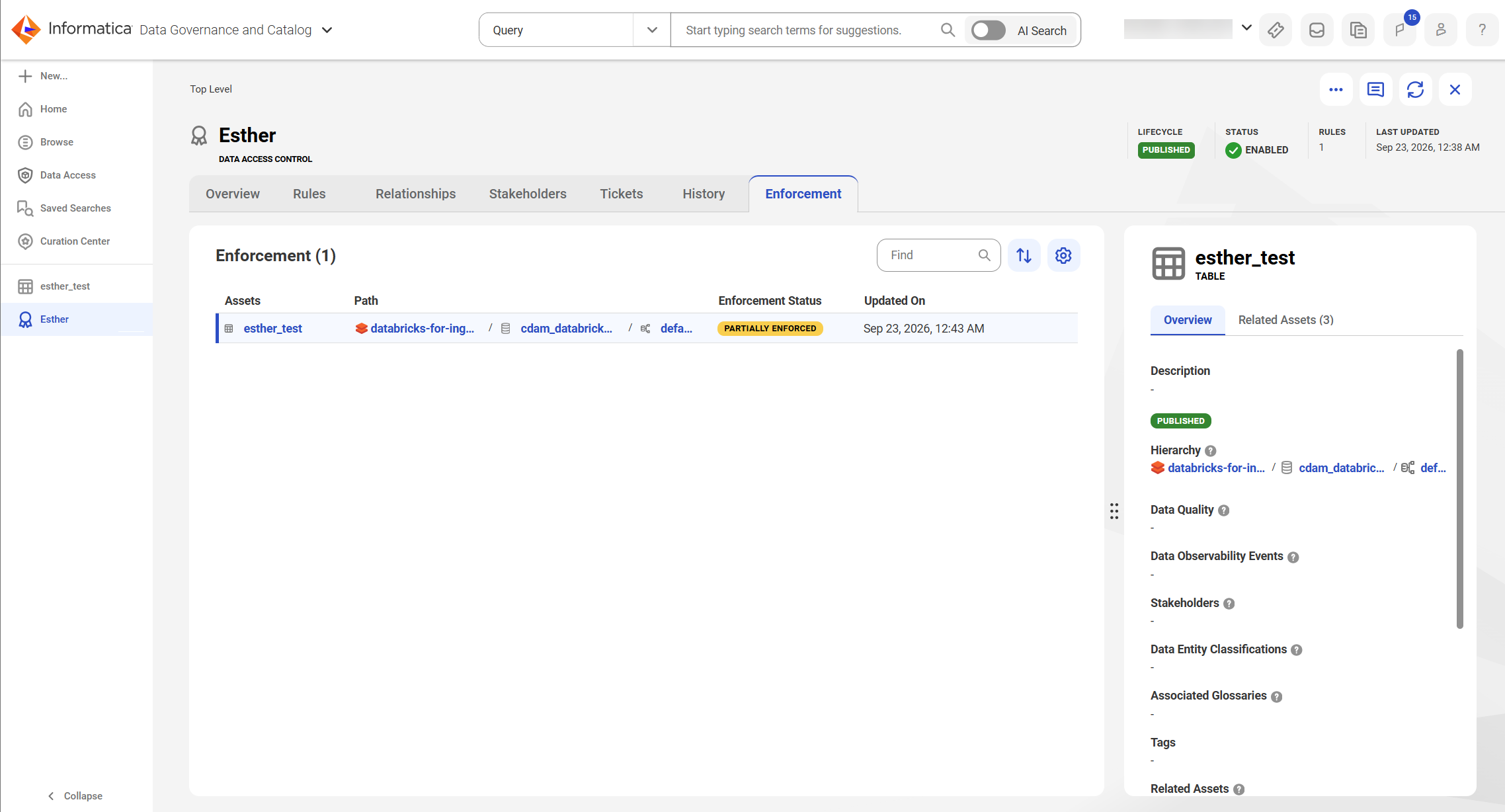
3To view the details of an asset, click the asset.