The November 2025 release of Data Marketplace includes the following new features and enhancements.
Invoke an API without using Application Integration
You can use REST APIs to perform the following tasks by using JSON web token authentication:
•Create, retrieve, modify, or delete a category.
•Create, retrieve, modify, or delete a data collection.
•Add or remove data assets from a data collection, and retrieve the data assets of a data collection.
•Retrieve the consumer accesses of a data collection.
•Create, retrieve, modify, or delete a delivery target.
•Create, retrieve, approve, fulfill, cancel, reject, or delete an order.
•Create, retrieve, modify, or delete a consumer access.
•Submit a consumer access withdrawal request, cancel a withdrawal request, or withdraw a consumer access.
For more information about how you can use JWT authentication to invoke APIs, see Authenticate using JWT.
Customization enhancements
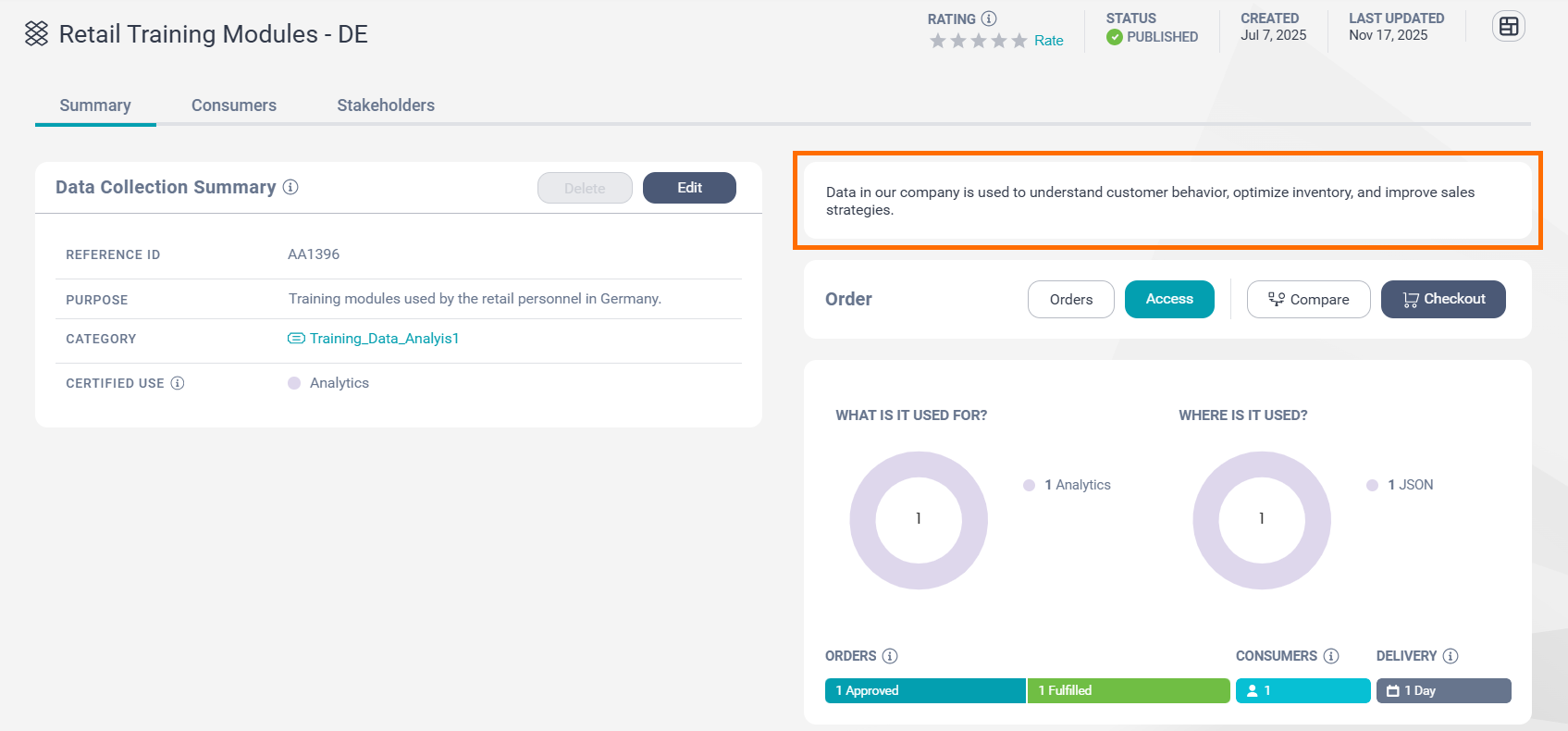
A new Text Box page component is introduced for Data Marketplace layout customization. You can use this page component to specify additional information beyond what is already available on a page and also tailor the information that is displayed on the page component to each Data Marketplace role.
The following image shows a sample Text Box page component on a data collection page:
For more information about how you can configure layouts in Data Marketplace, see Customize Data Marketplace.
View your orders and accesses on a collection
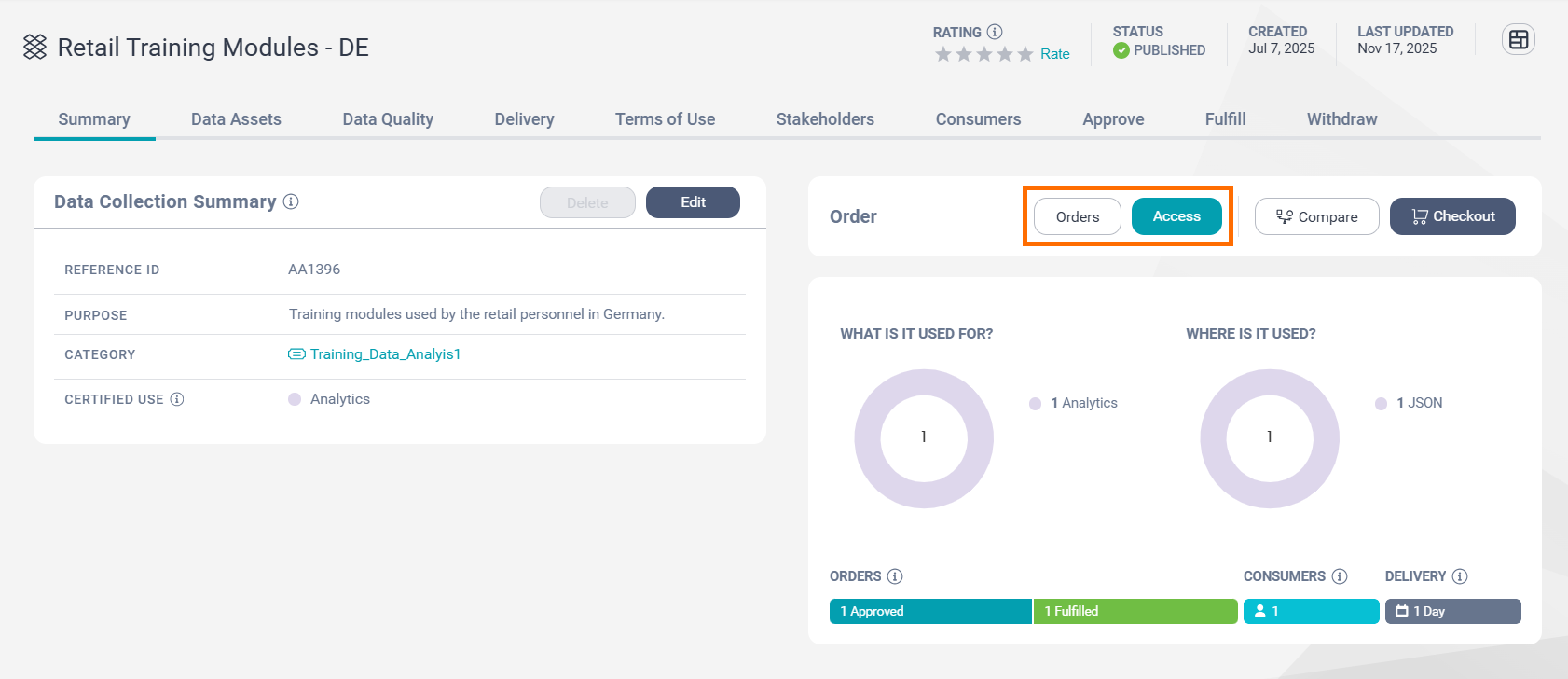
If you have an active order or access for a data collection, the Order section on a data collection page displays the Orders and Access buttons next to the Checkout button. The additional buttons open your active orders and latest active access for the data collection. If you have only an order or only an access, the Order section displays only the corresponding button.
The following image shows the Order section on a data collection page:
For more information about the Order section, see Order section.
Add images to custom attributes
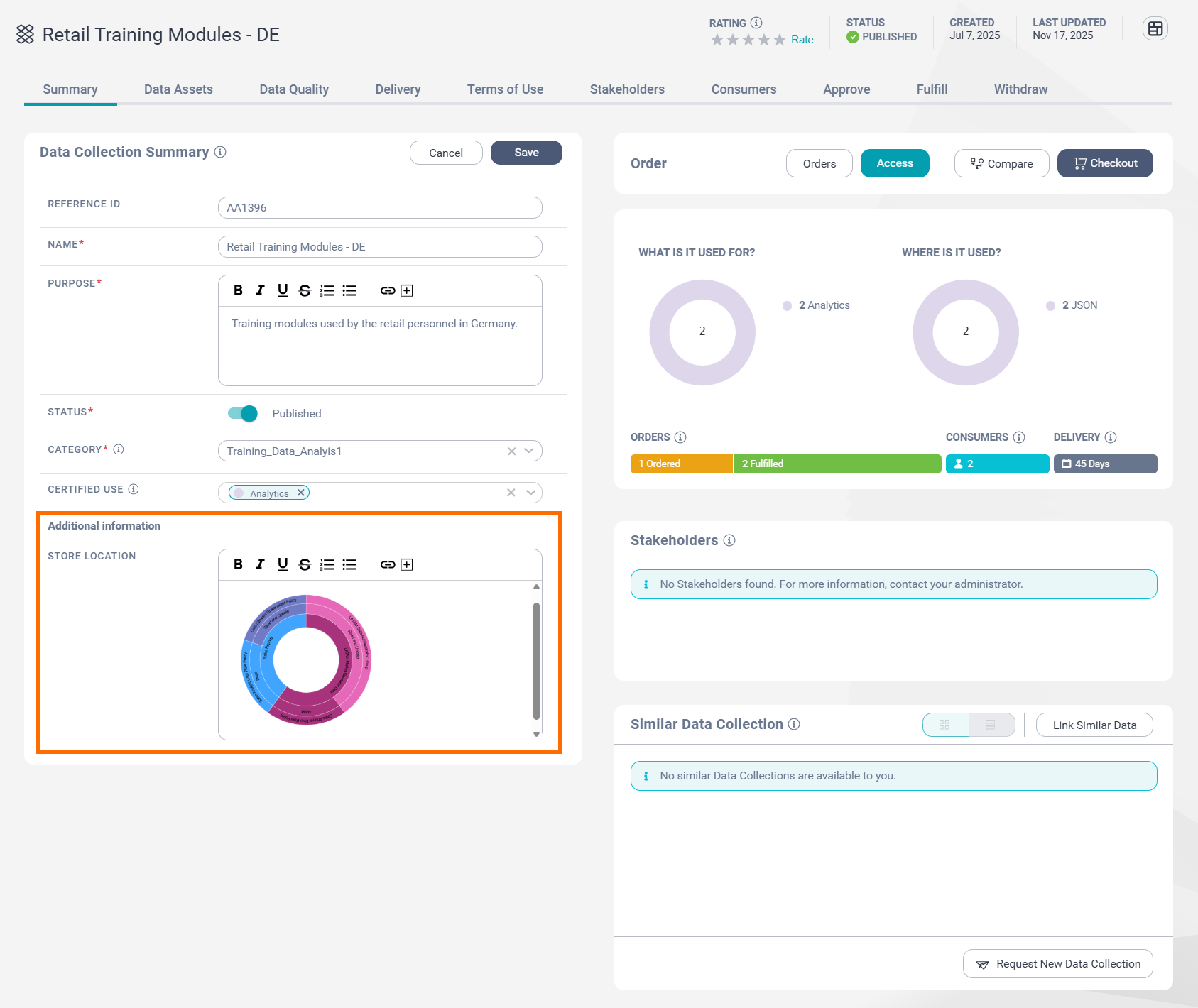
For custom attributes that support rich text, you can upload images.
The following image shows a custom attribute of a data collection page:
Data Marketplace asset discovery in QuickLook
Informatica QuickLook is a browser extension for Google Chrome and Microsoft Edge web browsers. You can use Informatica QuickLook to search for assets in Data Governance and Catalog without opening the Data Governance and Catalog web page.
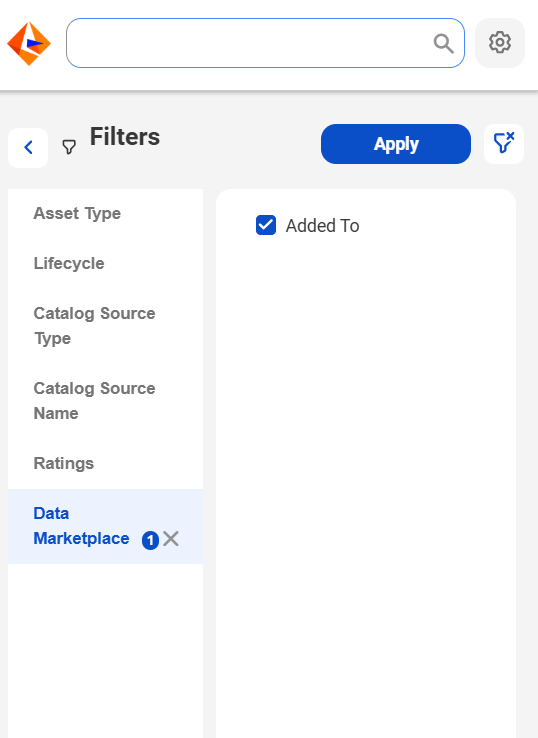
The QuickLook browser extension introduces the Data Marketplace filter that enables you to discover Data Governance and Catalog assets that are added by stakeholders to data collections in Data Marketplace. You can also view the data collections that are associated with these assets and open the data collections in Data Marketplace.
The following image shows the Data Marketplace filter in the Informatica QuickLook browser extension:
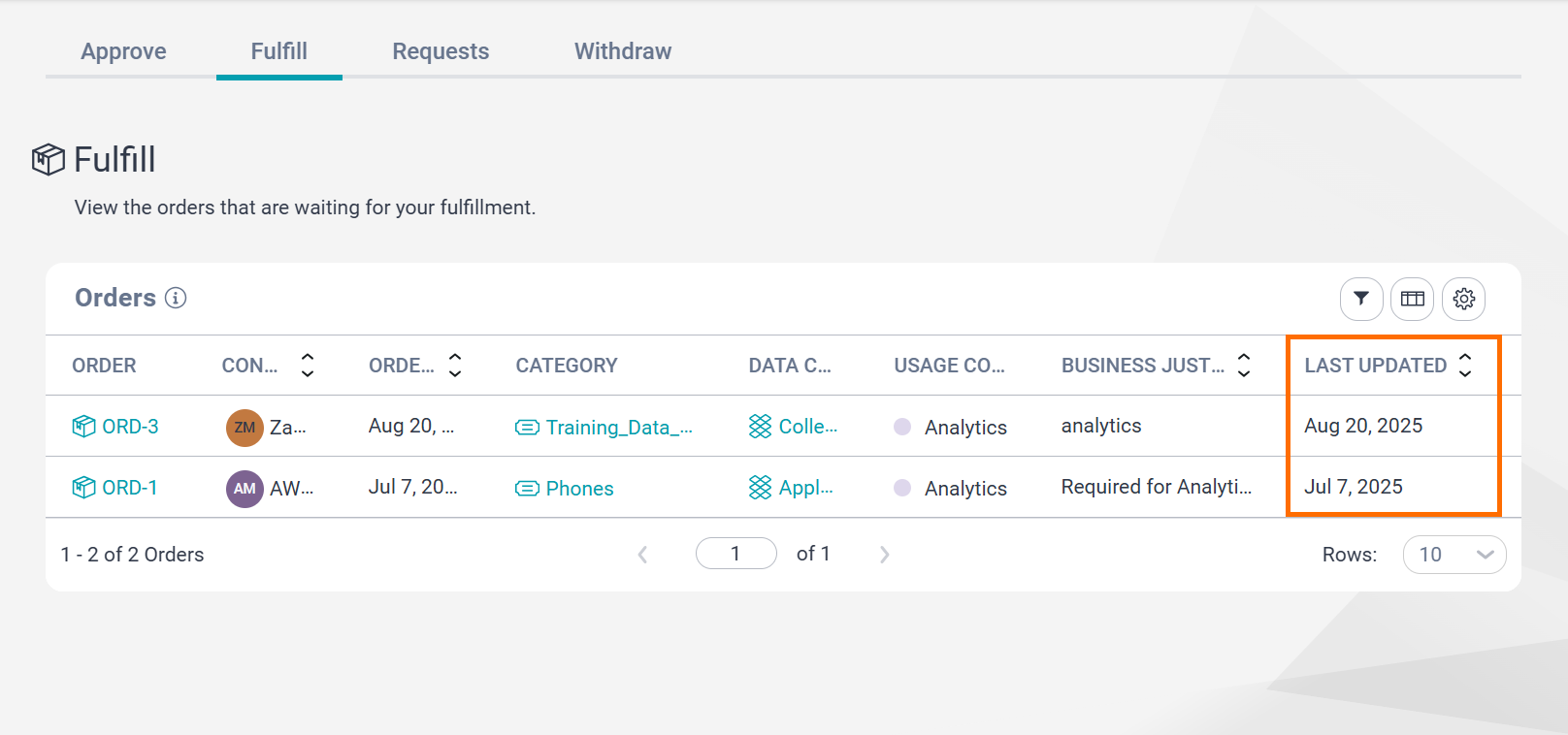
You can use the Last Updated field to view the latest date on which the orders were modified. You can view the field on the following pages:
•The Orders tab on the History page
•The Approve tab on the Tasks page
•The Fulfill tab on the Tasks page
The following image shows the Last Updated field on the Fulfill tab on the Tasks page:
Generating JSON Web Token (JWT) to authenticate REST API requests
To authenticate users to REST API endpoints, your organization administrator might choose the JSON Web Token-based authentication method in Administrator. This method doesn't require the session ID to generate the JWT token. However, generating the JWT token from the session ID remains the default.
If the organization administrator has configured JSON Web Token authentication in Administrator, the login API in Data Marketplace returns the JWT value in the IDS-SESSION-ID field. With this method, you can authenticate to REST API endpoints with only the JWT token.