1On the Configure page, go to the Notifications tab.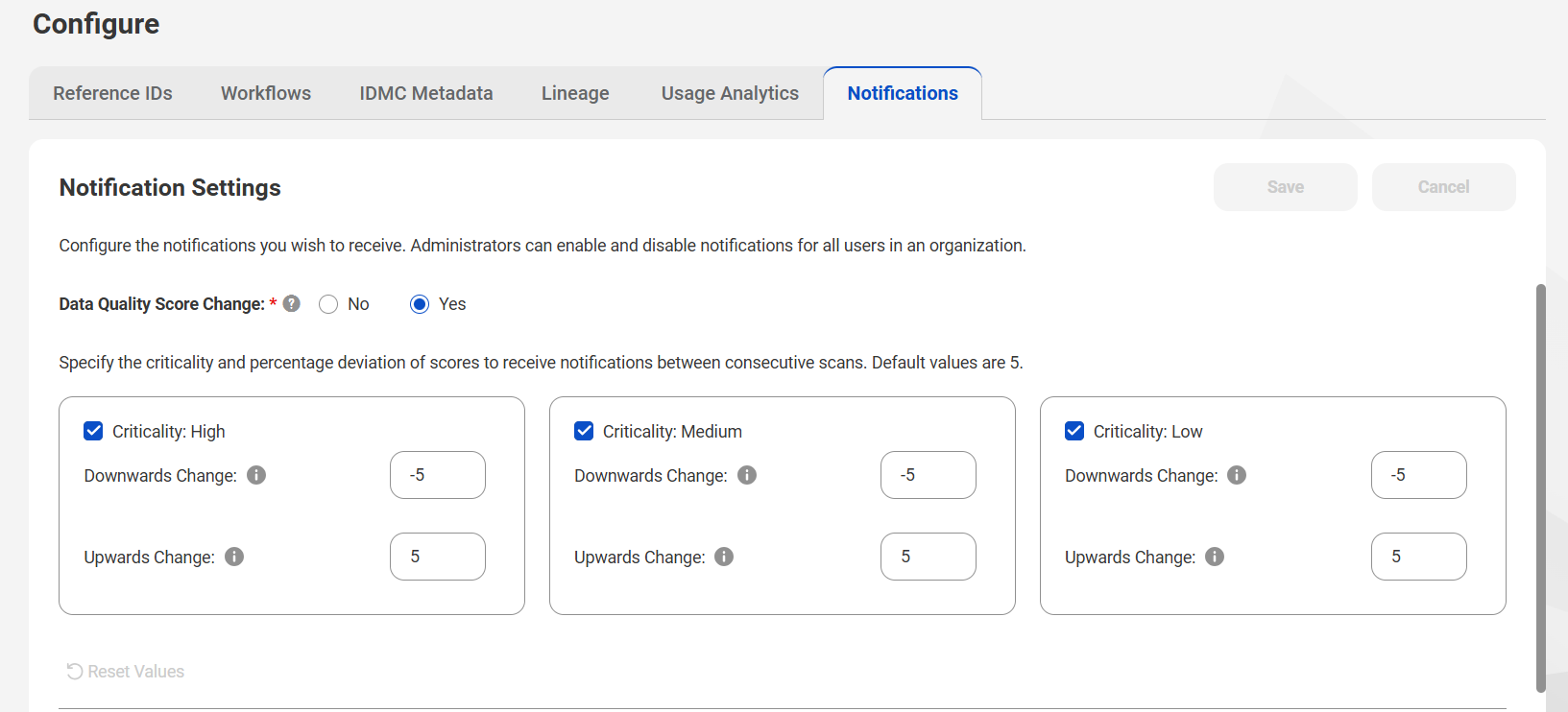
2Under the Notification Settings tab, select Data Quality Score Change as Yes. Users can enable the criticality levels as High, Medium, or Low for which they want to receive notifications.
3For each criticality level, specify the downward and upward score change threshold values for the data quality rule occurrences, and click Save.
The score change values that you specify represent the thresholds for which the users are notified. The values are calculated in percentage.
You have configured data quality score change notifications.