1In Metadata Command Center, go to the Configure page.
2On the Usage Analytics tab, enable usage analytics.
The configuration options for usage analytics appear.
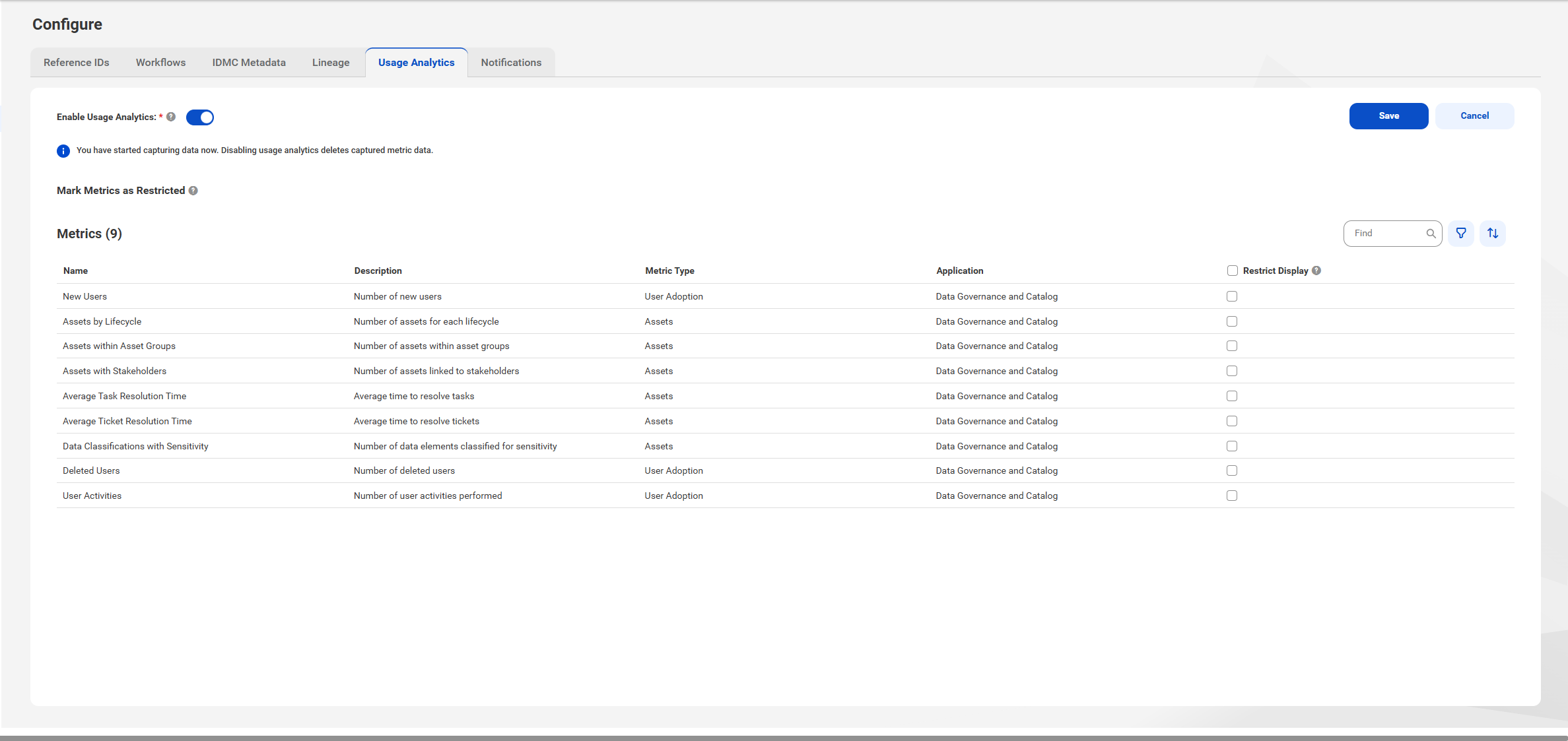
3Select the metrics you want to restrict from display.
Restricted metrics are visible only to users who have the View Restricted Metrics privilege.
4Click Save.
Caution:
When you disable usage analytics, Metadata Command Center starts a job to purge the metric data and deactivates the usage analytics dashboards.