1Log in to IDMC.
The My Services page appears.
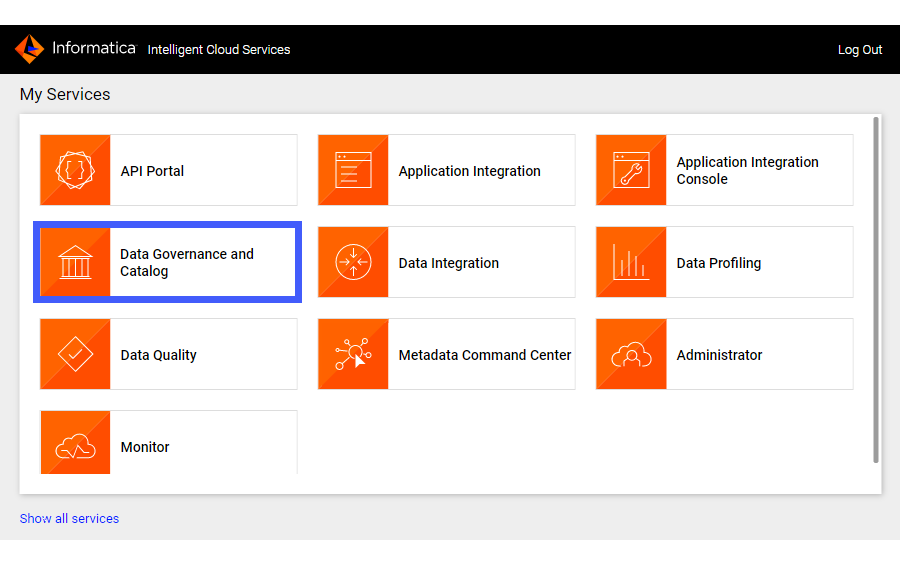
2Click Data Governance and Catalog.
The following image shows the Data Governance and Catalog box on the My Services page:
3On the Data Governance and Catalog home page, click the number in the Technical Assets panel.
The Technical Assets page opens.
4Select Catalog Source in the Filter list.
The list of catalog sources opens.
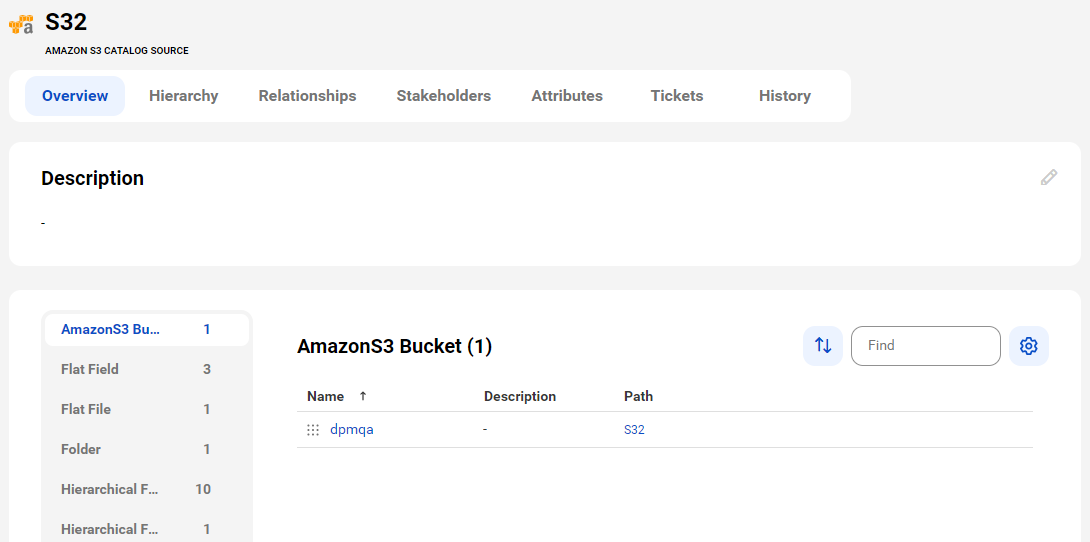
5Search for the catalog source from which you extracted metadata, and click the name.
The Overview tab of the asset opens.
Note:
If a new record is added to a file in the Amazon S3 source system, the timestamp of the file gets updated. If you then run an incremental metadata extraction job, the file gets extracted because objects are extracted based on the updated timestamp.
6View the asset from different perspectives by clicking on the tabs.
Note:
If an incremental metadata extraction job includes a view, it extracts the corresponding tables even if the tables were extracted in previous runs.