When you enable the glossary association capability for a catalog source in Metadata Command Center, you can view the accepted glossary assets in Data Governance and Catalog.
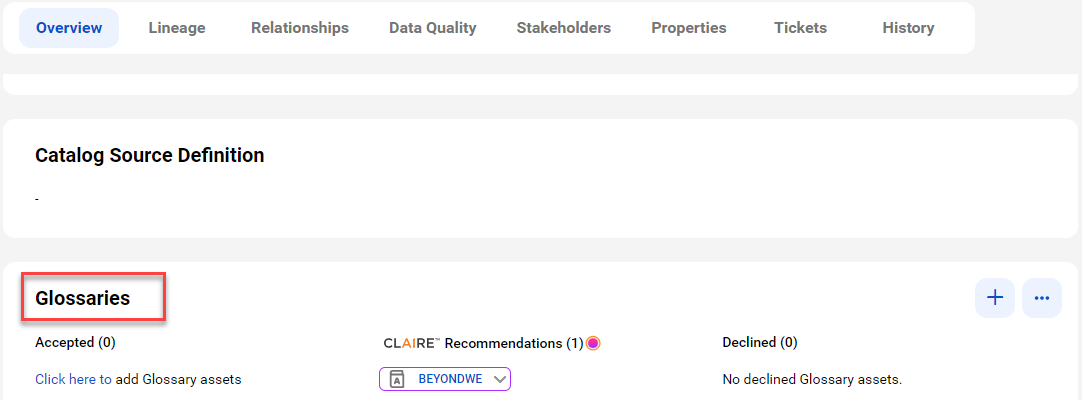
The Overview tab for a technical asset in the catalog source displays glossary assets in the Accepted and CLAIRE Recommendations sections.
The Glossaries panel shows the automatically accepted and CLAIRE® recommended terms.