1Log in to Intelligent Data Management Cloud.
The My Services page appears.
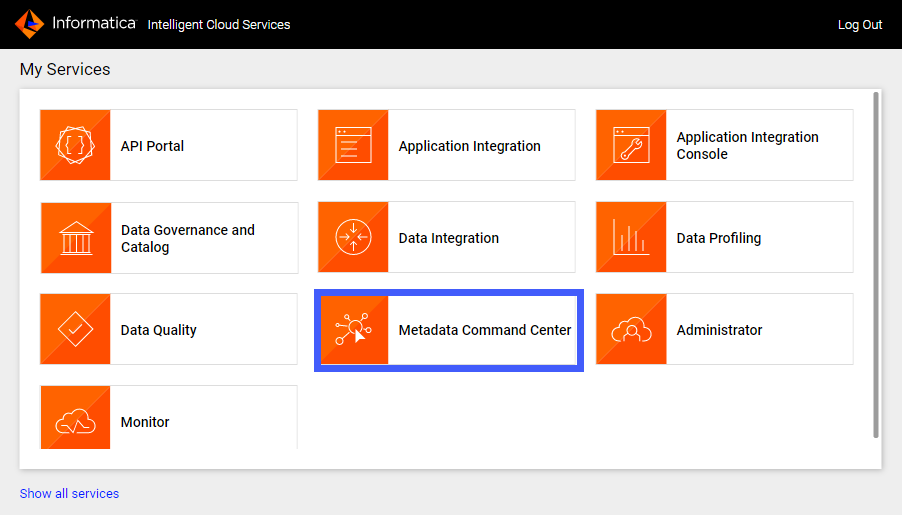
2Click Metadata Command Center.
The Metadata Command Center box appears on the My Services page.
The Metadata Command Center home page appears.
3Click New.
4Select Catalog Source from the list of asset types.
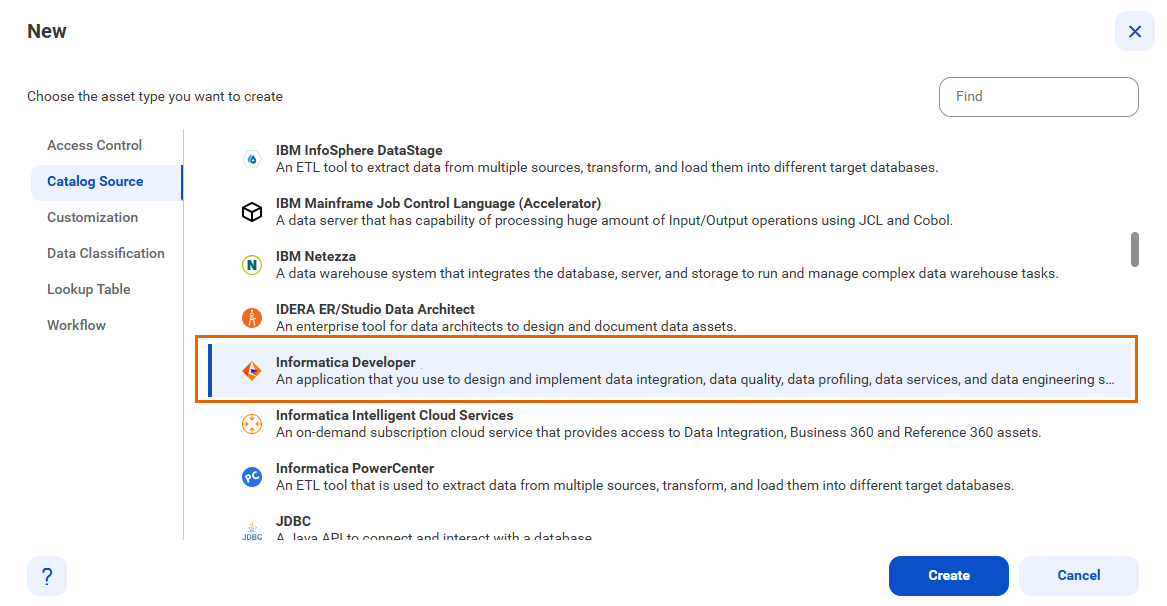
5Select Informatica Developer from the list of catalog source types.
The following image shows the Informatica Developer catalog source type:
6Click Create.
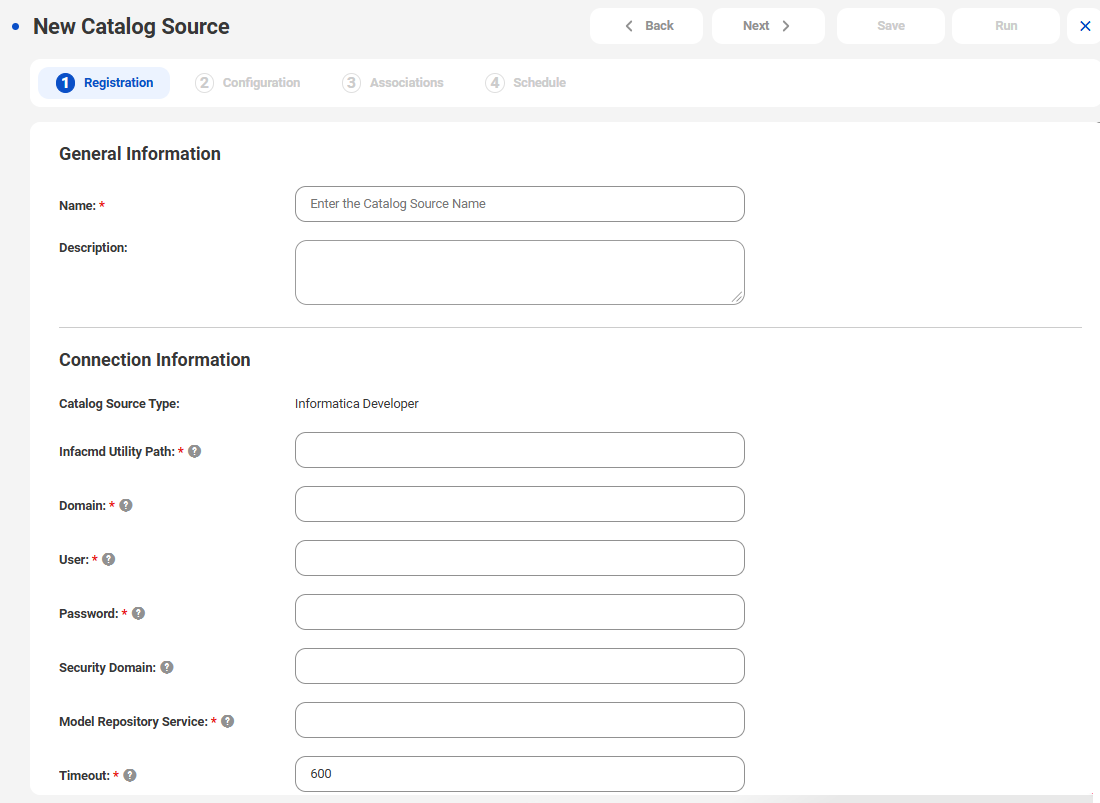
The New Catalog Source page opens.
The following image shows the Registration tab on the New Catalog Source page:
7In the General Information section, enter a name and an optional description for the catalog source.
Note:
You can rename a catalog source after you create it, but to apply the change to all associated objects you must rerun the metadata extraction job.
After you save the catalog source, you can update the description in Metadata Command Center and Data Governance and Catalog. The update appears only in the service in which you update it.
8In the Connection Information area, enter the Informatica Developer connection information.
The following table describes the connection properties that you can specify:
Property | Description |
|---|---|
Infacmd Utility Path | The path to the infacmd file located on the Secure Agent machine. |
Domain | The name of the Informatica domain. |
User | The user name to connect to the Informatica domain. |
Password | The password for the user name. |
Security Domain | The name of the security domain to which the user belongs. |
Model Repository Service | The name of the Model Repository Service. |
Timeout | The amount of time in seconds after which infacmd times out if it doesn't receive a response. |
9Click Next.