Microsoft Azure Data Factory Sources > View results in Data Governance and Catalog > View referenced source systems
  

View referenced source systems

Drill down into the referenced source systems that are referenced by catalog sources.
Verify that the catalog source for the source system is assigned a connection to the catalog source for the referenced source system.
    1Browse to the catalog source that you want to view.
    2Click the Hierarchy tag to view the catalog source as a hierarchy.
    3Find an asset with the type Referenced Catalog Source.
    The following image shows an expanded view of a referenced catalog source:
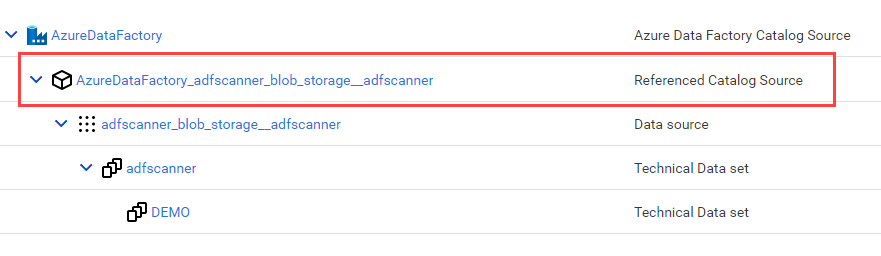
    Teh screenshot shows a referenced catalog source. The asset is expanded to shows its component parts in a hierarchical view.
    4Click to expand the referenced source to see its components.