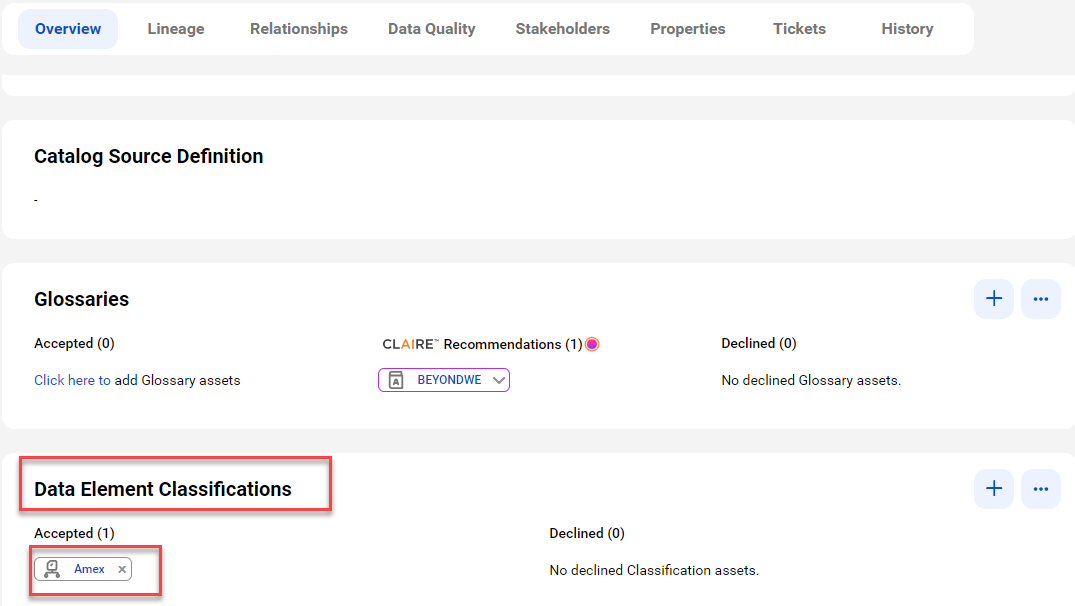
When you add data classification rules to a catalog source in Metadata Command Center, the system identifies the columns and tables that match the rules and displays one or more matched data classifications on the column or table asset pages in Data Governance and Catalog.
The following image shows a column asset page with the inferred data element classifications that match the column data and metadata:
For more information about data classification assets, see Asset Details in the Data Governance and Catalog help.