1On the Settings page, open the Security tab.
2Click the edit (pencil) icon.
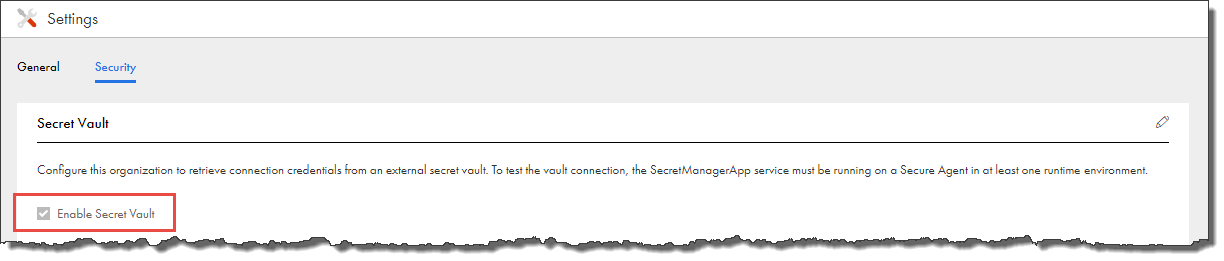
3Select Enable Secret Vault, as shown in the following image:
4 Select the secrets manager that you use, either AWS Secrets Manager, Azure Key Vault, or HashiCorp Vault.
5 Enter the connection details such as the vault URI, authentication type, and region.
6 Test the connection.
When you test the connection, you need to select a runtime environment. All Secure Agents within the runtime environment must be installed on a local machine or VM, and the SecretManagerApp service must be running on each agent. The Hosted Agent and serverless agents can’t connect to an external secrets manager.