To ensure that the agent works correctly, you must create an index in Pinecone and add text for the context. The context is then converted into vectors using the Gemini embedding model.
1Open the Create a new index page in Pinecone.
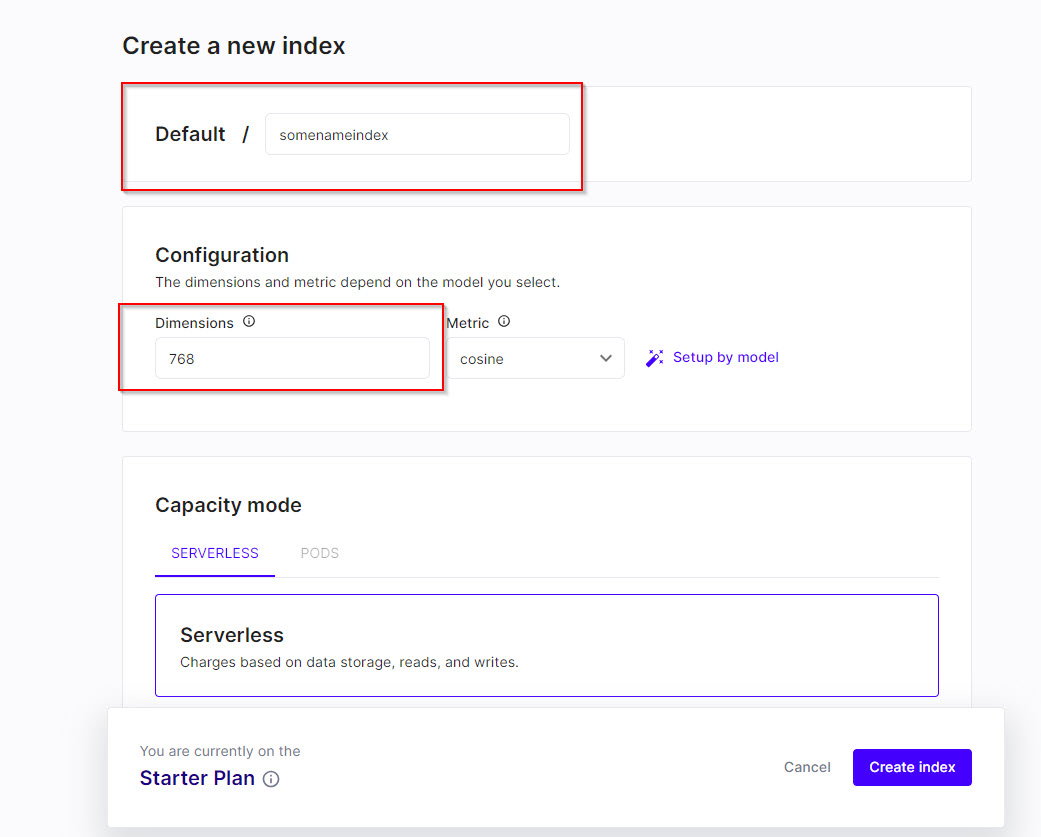
2In the Default field, enter an index name, and in the Dimensions field, enter the value 768 as shown in the following image:
3Click Create index.
After creating the index, you can use the index name in the Pinecone_Retriever tool.