Home page
The B2B Partners Portal Home page shows an overview of file events and messages that you exchange with the portal provider.
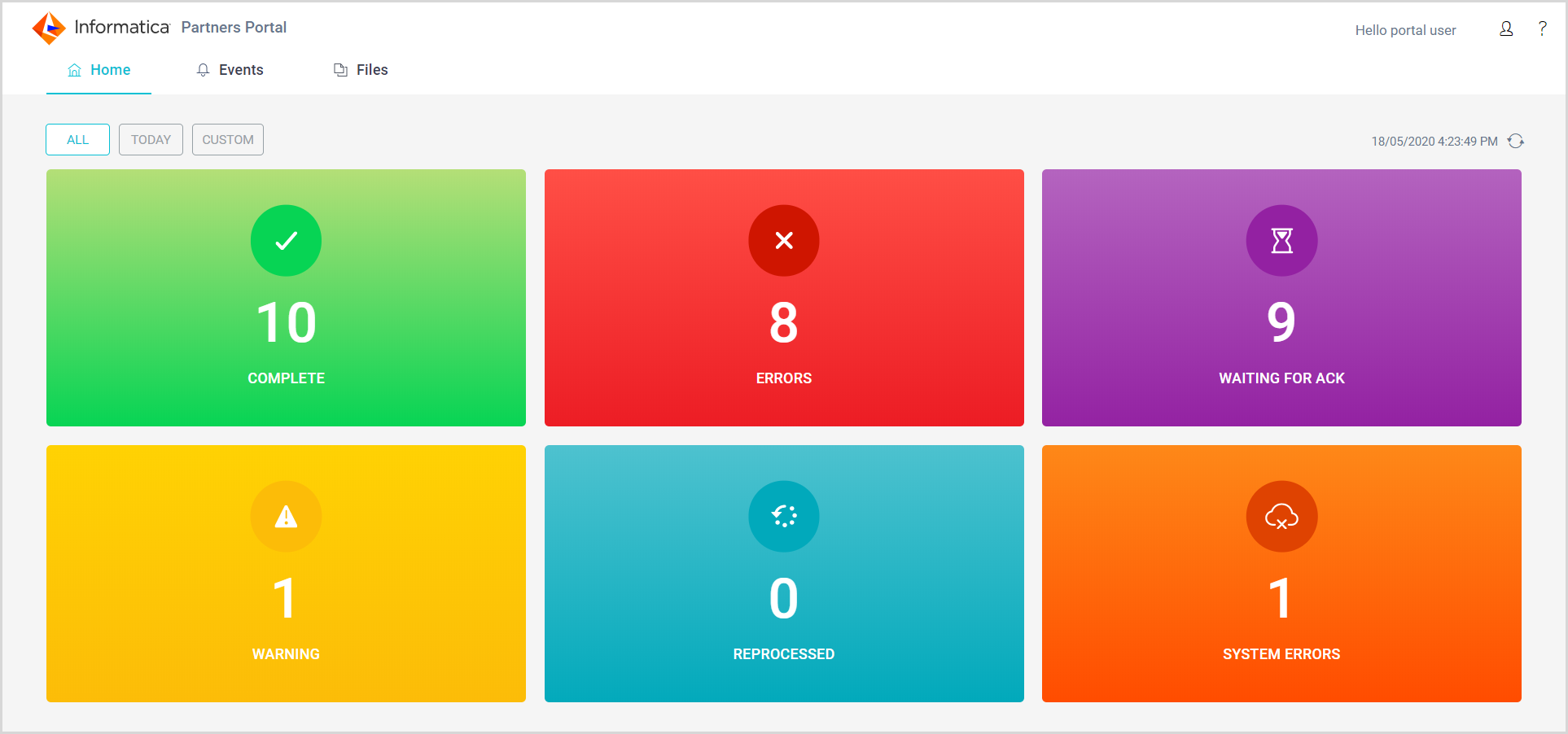
The Home page presents events by status. By default, the page shows events for the current day. You can filter the information on the Home page to see all events or events for a date range of up to seven days.
The following image shows a sample Home page: