A reference data mapping file includes multiple sheets. Each sheet represents a code list from Reference 360. If you select to include lookup tables when you create a mapping file, the mapping file also includes sheets for all lookup tables.
The source columns in each sheet display lookup tables and their columns as drop-down values. You can map the attributes of code lists, such as Name, Code, and Description, with the columns of a lookup table.
During modernization, if you don't have a corresponding code list for a lookup table, the modernization process can create a code list for the lookup table.
Note:
You can't manually add custom attributes of a code list to the sheets in the reference data mapping file. After modernization, you can add custom attributes to the code lists.
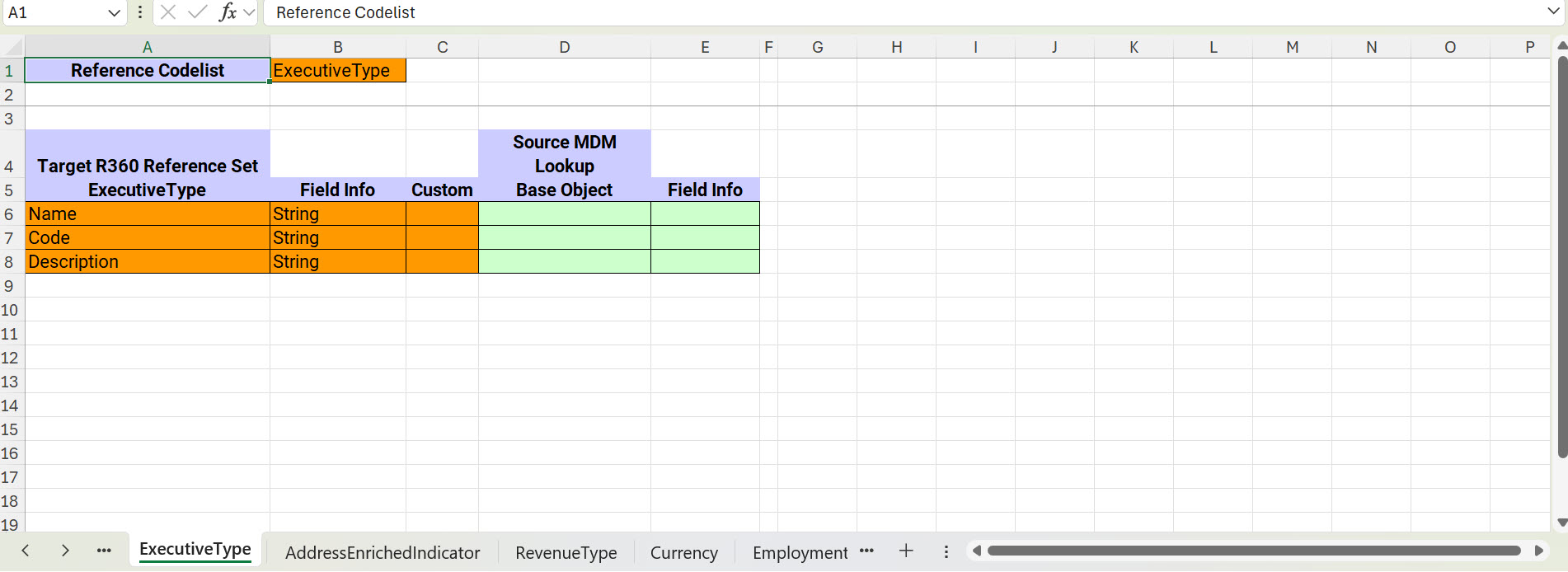
Each code list sheet in the mapping file displays the following details:
Column Name
Description
<Reference Codelist>
Name of the code list to which you want to map a lookup table.
<Name of a lookup table>
Name of the lookup table in the MDM Hub that was included in the mapping file. The sheet name uses the name of the lookup table.
Dependent Codelist Parent
Name of the parent code list. For example, the Country code list is the parent of the State code list.
Applicable only when the code list related to the sheet is a dependent code list.
Target R360 Reference Set
A list of default attributes of the code list related to the sheet, including their data types. The default attributes are Name, Code, and Description.
Source MDM Lookup
Placeholder to map a lookup table and its column for each attribute.
The following image shows a sample sheet in a reference data mapping file:
Sheets for lookup tables
By default, a mapping file contains sheets for all the code lists in Reference 360. These sheets allow you to map lookup tables to every code list.
You can also include sheets for all the lookup tables in the MDM Hub. The modernization process uses these sheets to create code lists in Reference 360.
For example, if the MDM Hub has 50 lookup tables and Reference 360 has 30 code lists, you can map 30 lookup tables to the 30 code lists. For the remaining 20 code lists, you don't have equivalent code lists in Reference 360, but you have a requirement for them in MDM SaaS.
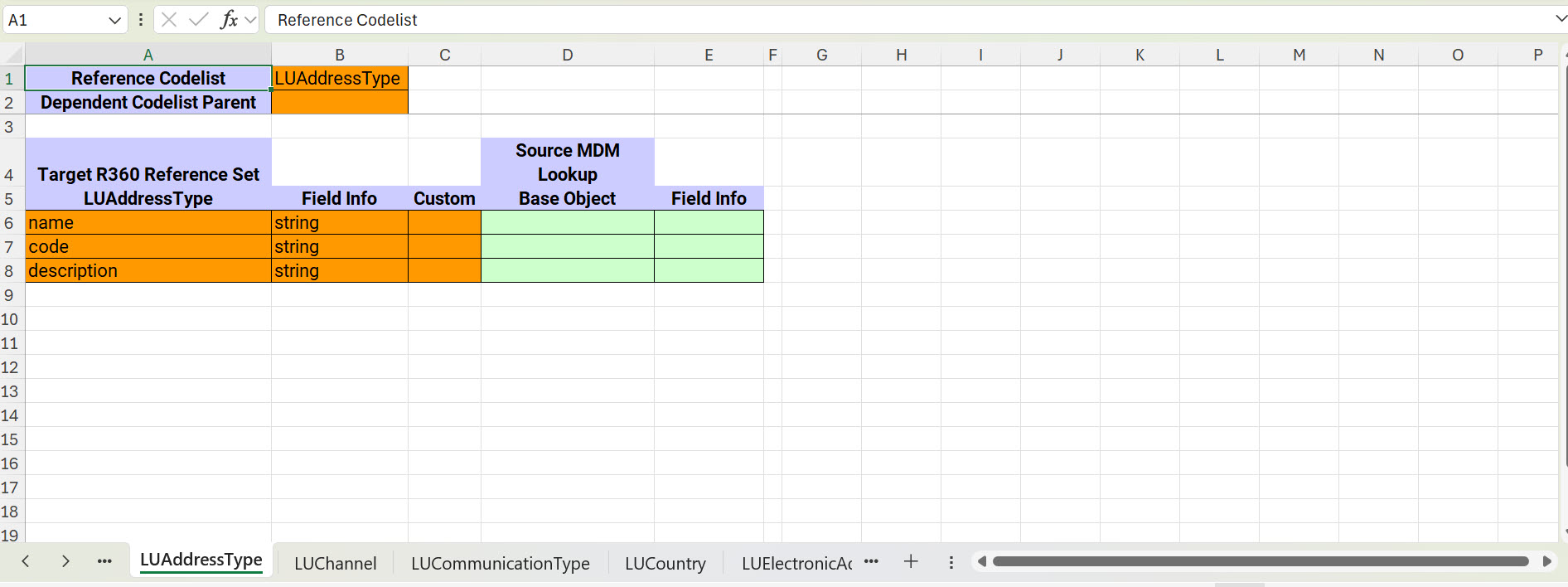
To modernize them, you can choose to add sheets for all the lookup tables. Using these sheets, you can create code lists for these lookup tables in Reference 360 during modernization. You can delete other irrelevant sheets created for lookup tables that you don't need. The sheets that are created for the lookup tables use the following naming format:
LU<Name_of_the_lookup_table>
The following image shows a sheet created for a lookup table:
In the Custom column, enter X to indicate that the code list and its attributes need to be created in Reference 360.