You can use the discovery agent to search and discover assets in Data Marketplace with CLAIRE GPT.
Prerequisites
Before you perform data discovery tasks in CLAIRE GPT for Data Marketplace, ensure that you upgrade Data Marketplace to the latest version.
For information about how to set up CLAIRE GPT for users in your organization, see Administer CLAIRE GPT.
Sample conversation
Let's take a look at a sample conversation to help you get started on your Data Marketplace data discovery journey in CLAIRE GPT.
You're data steward in a cosmetics company. Your organization uses Data Marketplace to store sales data. You want to identify data collections in Data Marketplace that have no order history, and then collaborate with their stakeholders to decide whether to remove them or understand how you can improve their utilization if they are still valid.
To achieve the goal, perform the following steps:
1Log in to CLAIRE GPT.
2Start a conversation to discover data collections that have no orders.
Enter the following prompt:
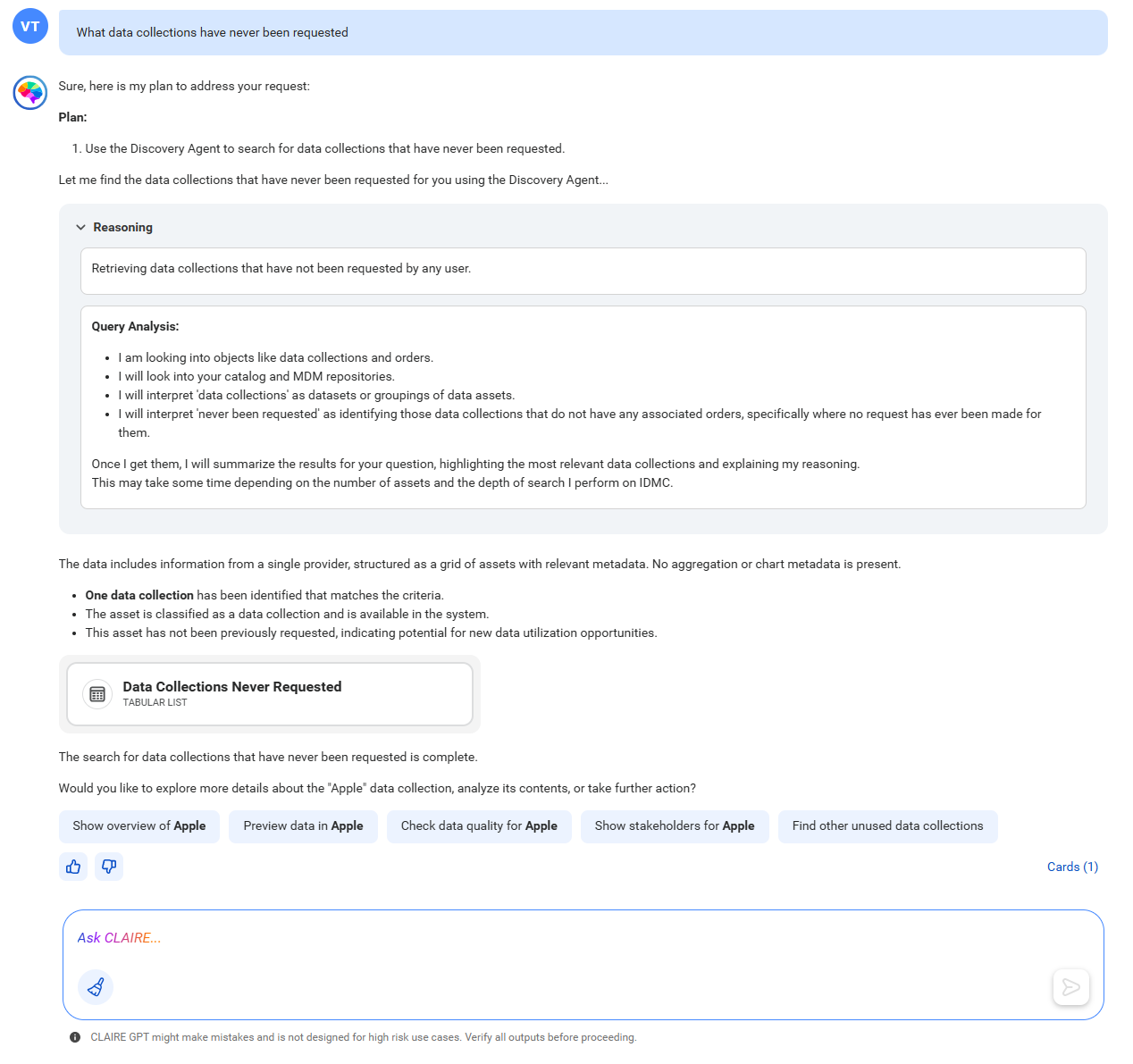
What data collections have never been requested
The following image shows the response of CLAIRE GPT, displaying data collections that have no orders:
Using the data discovery skill, the discovery agent has identified one data collection with no order history.
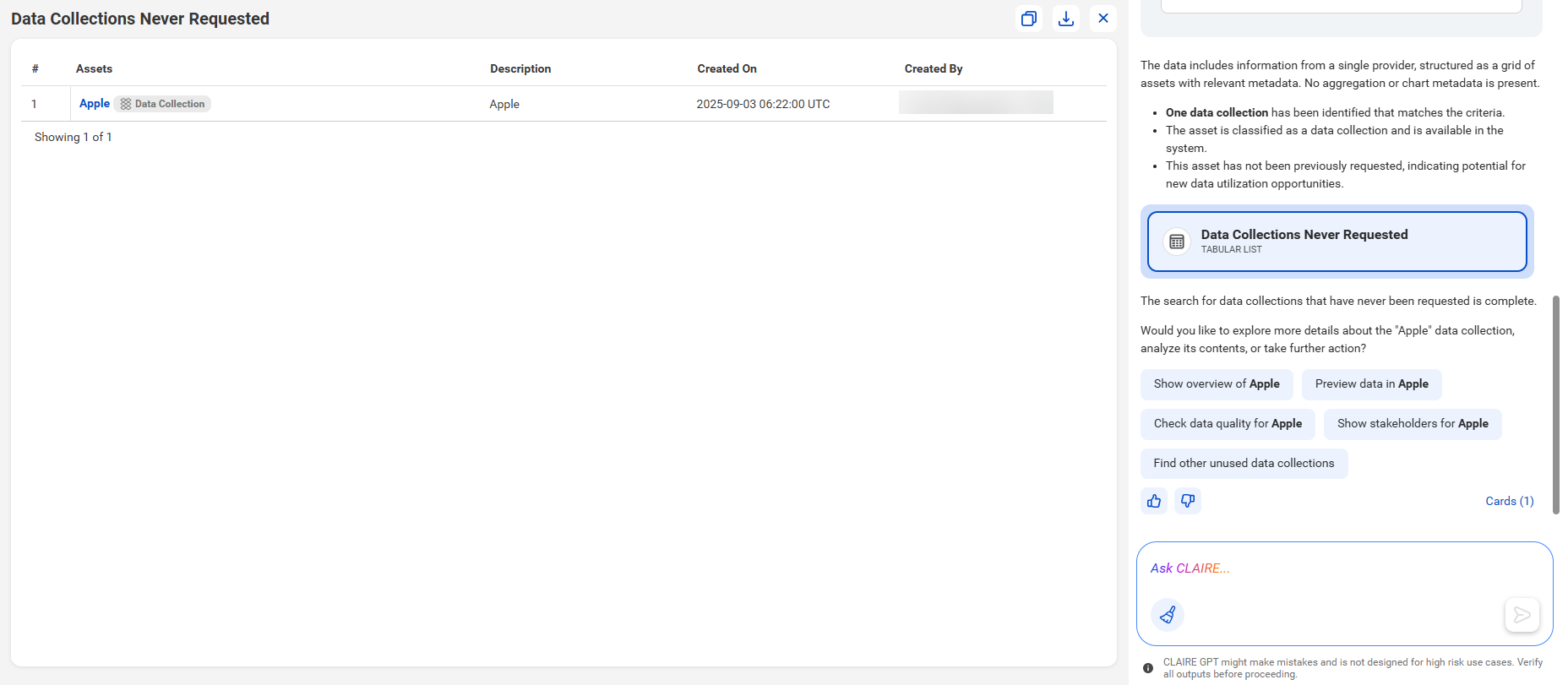
3To preview the data collections, click the card named Data Collections Never Requested.
The following image shows the canvas with a tabular view of the data collections with no orders:
You can click the data collection name to view its details in Data Marketplace.
The discovery agent has helped you quickly identify the data collections that have no order history.