Enter the following prompt:
Show customer tables don't have data quality rules
The following image shows the response displaying a set of customer tables that don't have data quality rules Data Governance and Catalog:
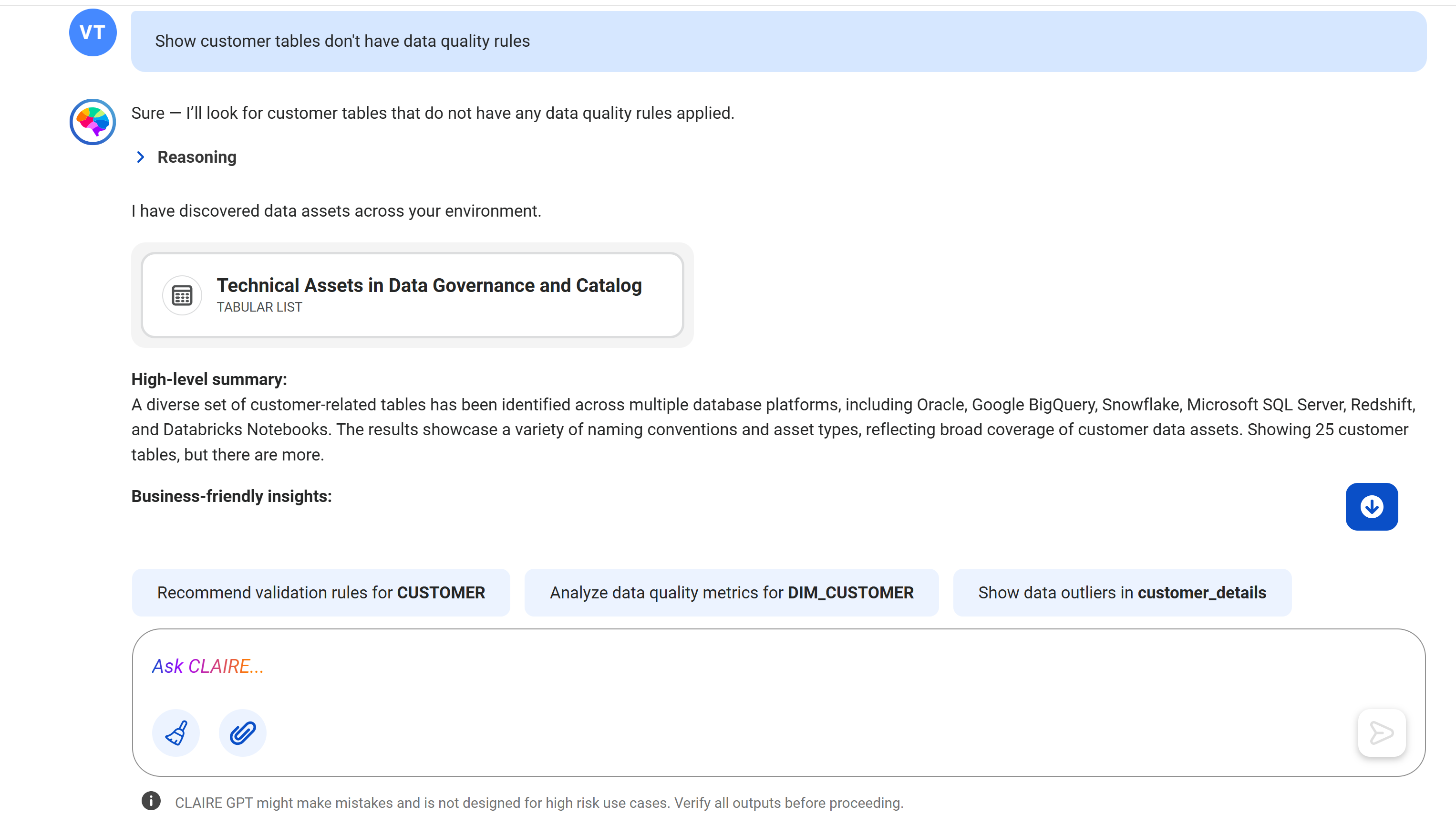
Using the data discovery skill, the discovery agent identifies all customer tables that don't have data quality rules applied. To view all the tables, click the card named Technical Assets in Data Governance and Catalog.
Enter the following prompt:
How do I add data quality rules to CUSTOMER?
The following image shows the response displaying information about how to create data quality rules for tables that belong to the Snowflake source system:
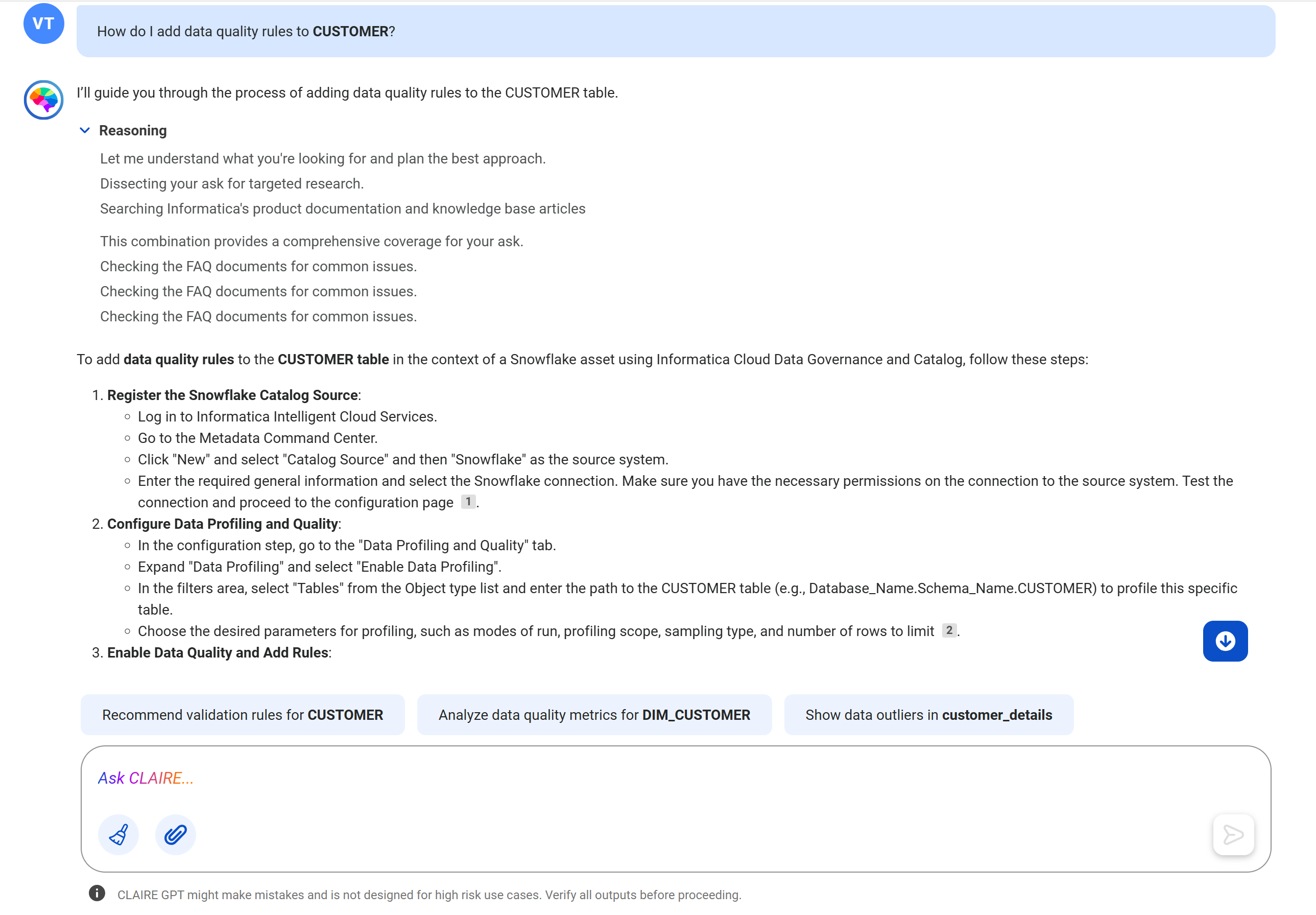
Using the product documentation research skill, the product help agent identifies that the CUSTOMER table belongs to the Snowflake source system and displays the information that you need to understand how to create data quality rules for a Snowflake table in Data Governance and Catalog. The agent uses the context of the metadata that is catalogued to provide specific responses.
You can navigate to the inline documentation link that CLAIRE GPT provides with each step in the response, get detailed instructions, or explore the other actions suggested by CLAIRE GPT.