Manage Tasks and Tickets
>
Review tasks in the workflow inbox
> Claiming a task
Claiming a task
To review a task, you must claim the task. After you claim a task, other users can't work on it.
1
Click
Workflow Inbox
.
The
Workflow Inbox
page appears.
2
Click
Filters
>
Unassigned Tasks
.
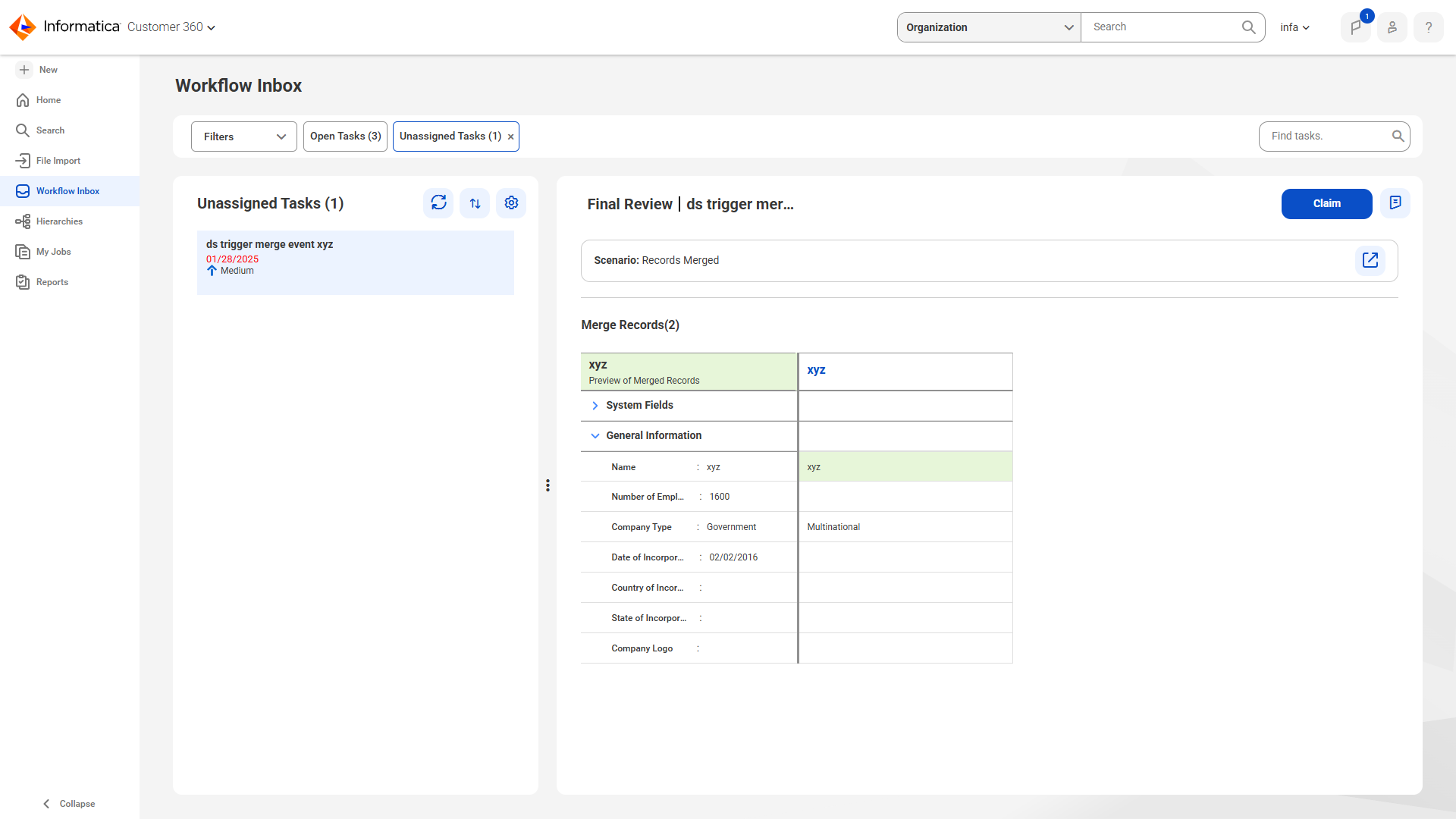
The list of unassigned task appears.
The following image shows the list of unassigned tasks:
3
Select a task that you want to claim.
4
Click
Claim
.