Transfer Ownership of Dashboards and Shared Searches
The SuperAdmin user can transfer the ownership of dashboards and shared searches from one Axon user to another. The ownership transfer is possible only if the owner of the dashboard or the shared search is an inactive user. Axon does not permit transfer of ownership between two active users.
Transfer Dashboard Ownership
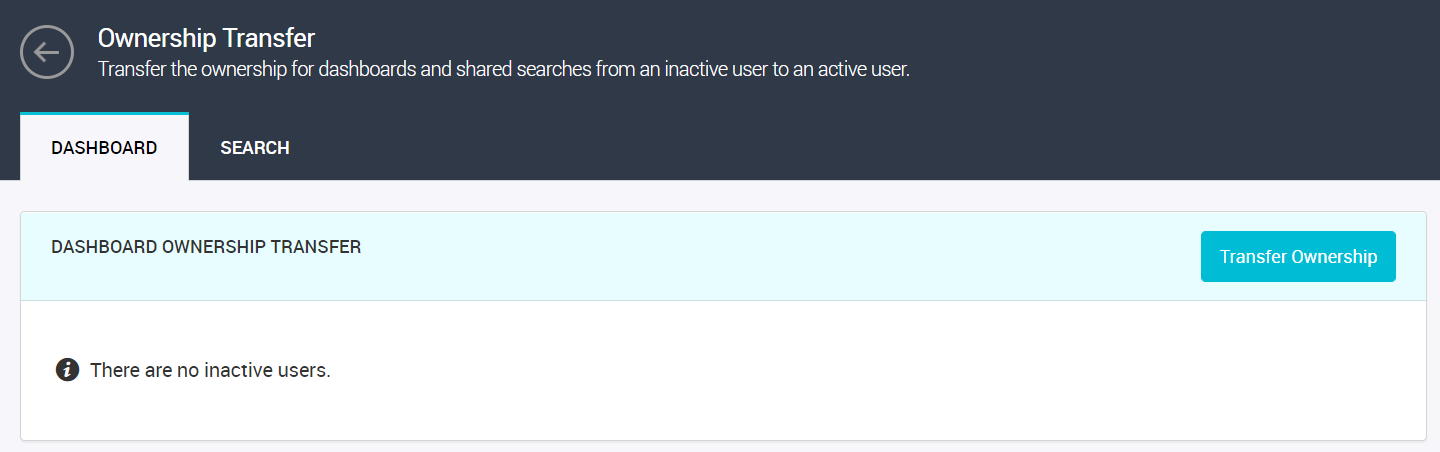
The following image depicts the
Dashboard tab in the
Ownership Transfer page:
To transfer the ownership of dashboards of an inactive user to an active user, perform the following steps:
1. From the Axon toolbar, click the Admin Panel menu item under your user name.
2. In the menu on the left, under Operational Management, click Ownership Transfer.
The Ownership Transfer page appears.
3. In the Dashboard tab, select the dashboards that you want to transfer, and click Transfer Ownership.
The Transfer Dashboard Ownership dialog box appears.
4. From the New Owner listing, select the user to whom the dashboard ownership is to be transferred, and click OK to complete the transfer.
Transfer Search Ownership
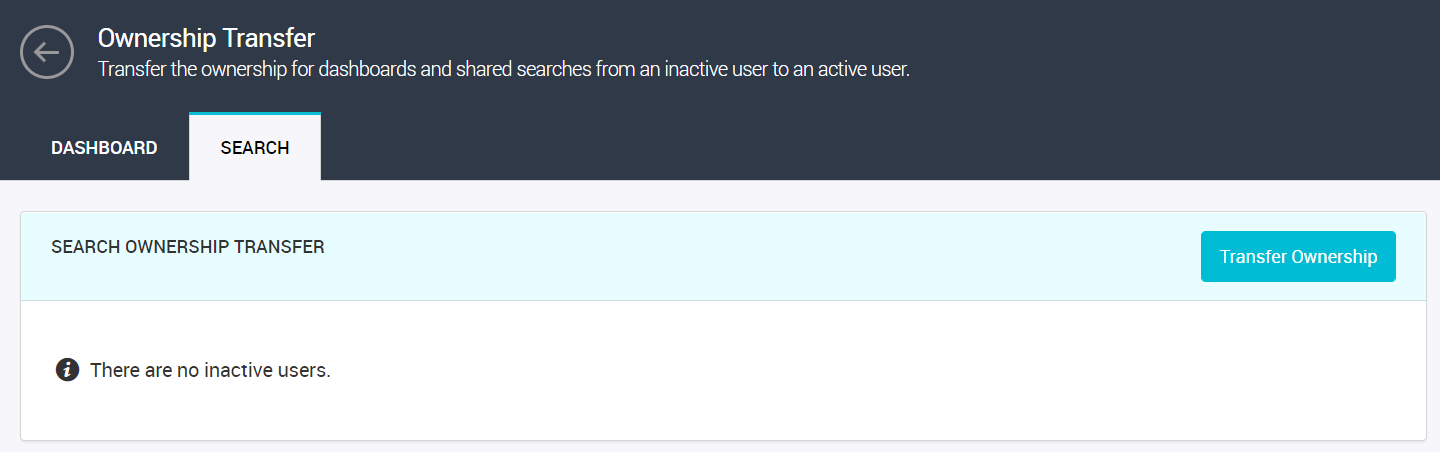
The following image depicts the
Search tab in the
Ownership Transfer page:
To transfer the ownership of a shared searches of an inactive user to an active user, perform the following steps:
1. From the Axon toolbar, click the Admin Panel menu item under your user name.
2. In the menu on the left, under Operational Management, click Ownership Transfer.
The Ownership Transfer page appears.
3. In the Search tab, select the shared searches that you want to transfer, and click Transfer Ownership.
The Transfer Search Ownership dialogue box appears.
4. From the New Owner listing, select the user to whom the shared search ownership is to be transferred, and click OK to complete the transfer.