Database Ingestion and Replication > Configuring a database ingestion and replication task > Choose a runtime environment
  

Choose a runtime environment

The first thing you must do after starting the task wizard is to select the runtime environment to use for retrieving the source and target metadata required to define the task. If you previously set a default runtime environment, this step is skipped.
Note: A runtime environment must have previously been configured with one or more Secure Agents in Administrator.
    1In the Choose Runtime Environment dialog box, select the runtime environment you want to use.
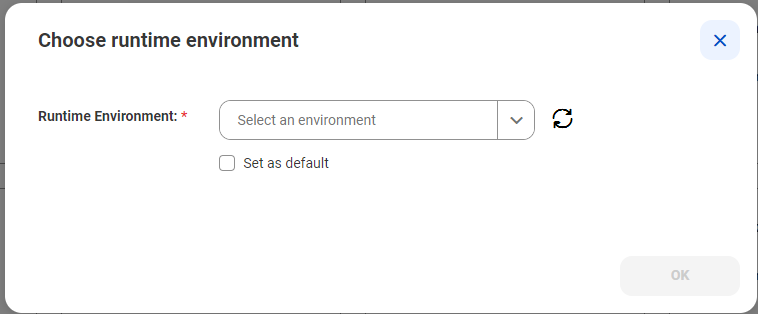
    Select a runtime environment that was previously defined in Administrator from the drop-down list.
    Select Set as default if you want to use this runtime environment as the default environment for all tasks you create. Otherwise, leave the check box cleared.
    2Click OK.
    Note: When you finalize the task definition on the Let's Go page, you'll be prompted to enter the runtime environment for running the task. You can use this same runtime environment or select another one.