Customize Search Overview
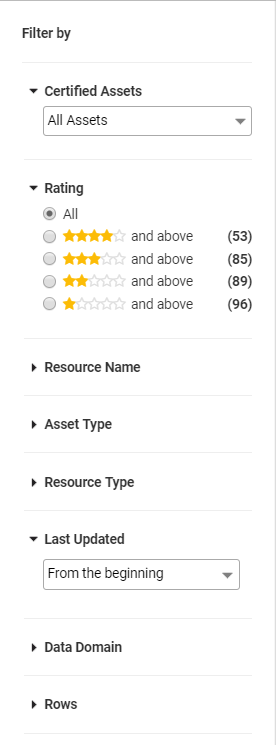
After you search for an asset, you can use the following search filters to refine the search results. These filters help you filter the assets based on your requirements:
- •Resource Name. The name of the resource.
- •Asset Type. The type of asset.
- •Resource Type. The resource type from where the asset details were collected.
- •Last Updated. The last time the details of the asset were updated in the catalog.
- •Data Domain. The data domains that were assigned and inferred.
- •Size. The size of the asset.
- •AttributesThe system attributes or custom attributes.
The following image shows the search filters in the Filter By panel: