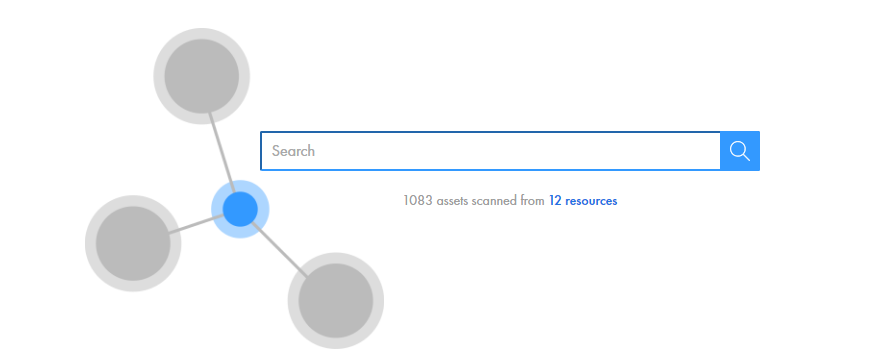
1. Log in to Enterprise Data Catalog using your credentials.
The Enterprise Data Catalog home page appears with the search box as shown in the following image:
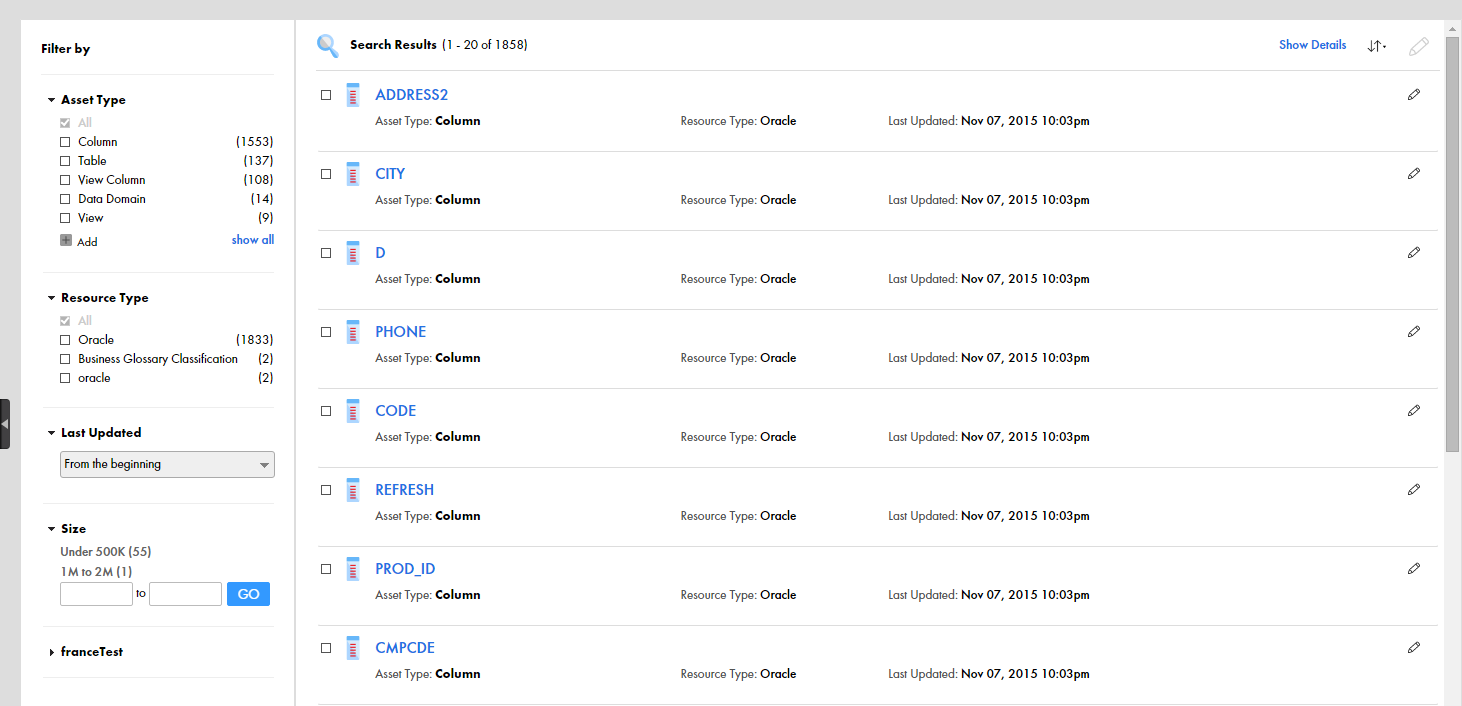
2. Type the asset that you want to search for in the search box and click the search icon.
The matching results appear as shown in the following image: