When you create and save a composite MCP server, it has no associated endpoint and can't yet be used by your AI agents. To make the MCP server accessible, you need to deploy it. Deploying an MCP server creates an instance that your AI agents can access.
You can deploy a composite MCP server multiple times to create instances for different purposes. Each instance is essentially a "snapshot" of the MCP server at the time of deployment. It inherits all the actions and policies available to the MCP server when the instance is created.
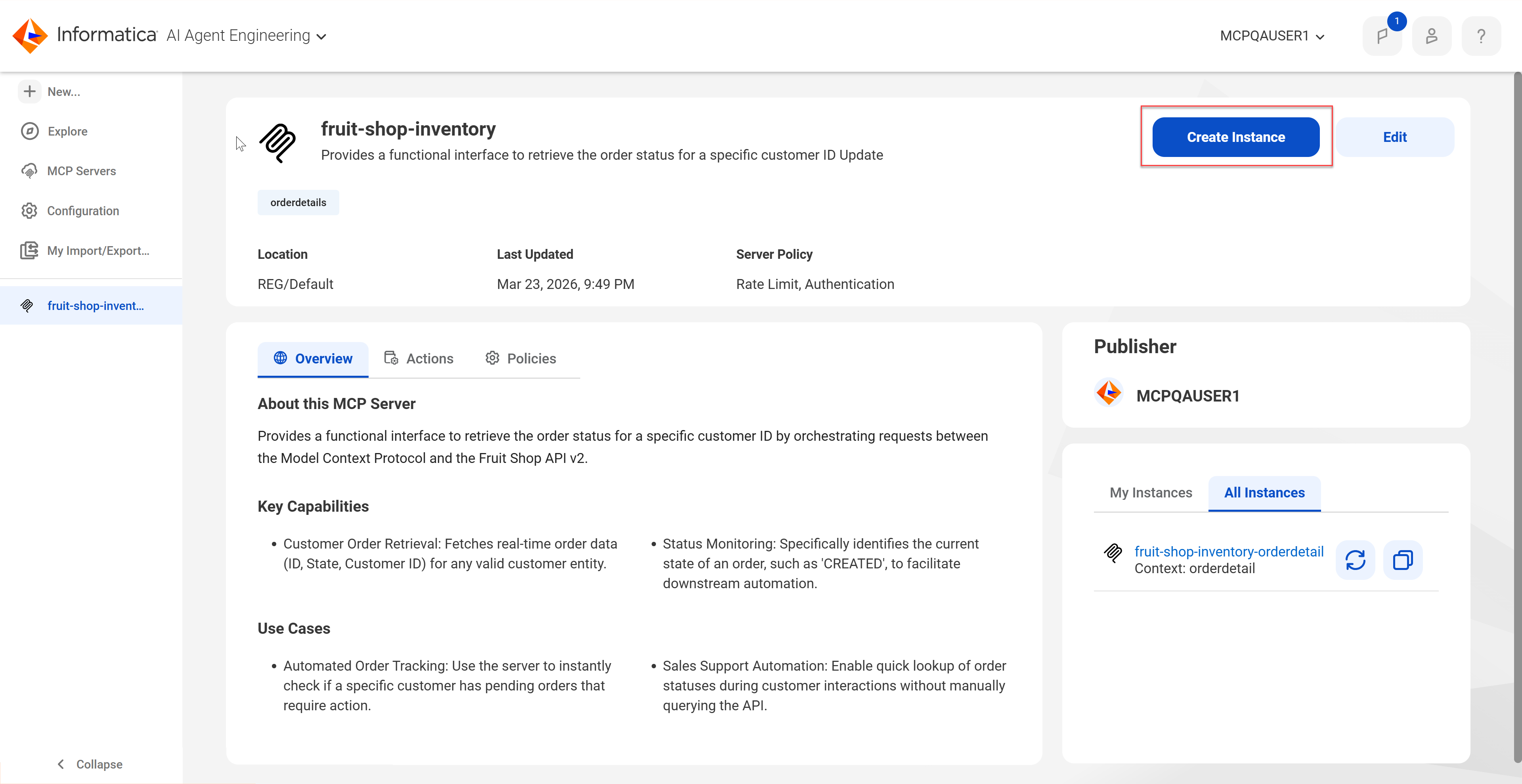
To deploy an MCP server, click Create Instance on the MCP server details page. This button isn't displayed if you're viewing details for a deployed MCP server instance.
The following image shows the Create Instance button:
When you deploy an MCP server, you define the context for the MCP server. The context defines the last part of the endpoint URL string and helps to isolate the instance for a specific use case.
You can view the deployed instances of an MCP server on the MCP server details page for the composite MCP server. The instances you create are listed on the My Instances tab. The instances created by you and other users in your organization appear on the All Instances tab.
MCP server context
When you deploy a composite MCP server, you need to define a context for the deployed instance. The context helps to isolate the MCP server for a specific use case.
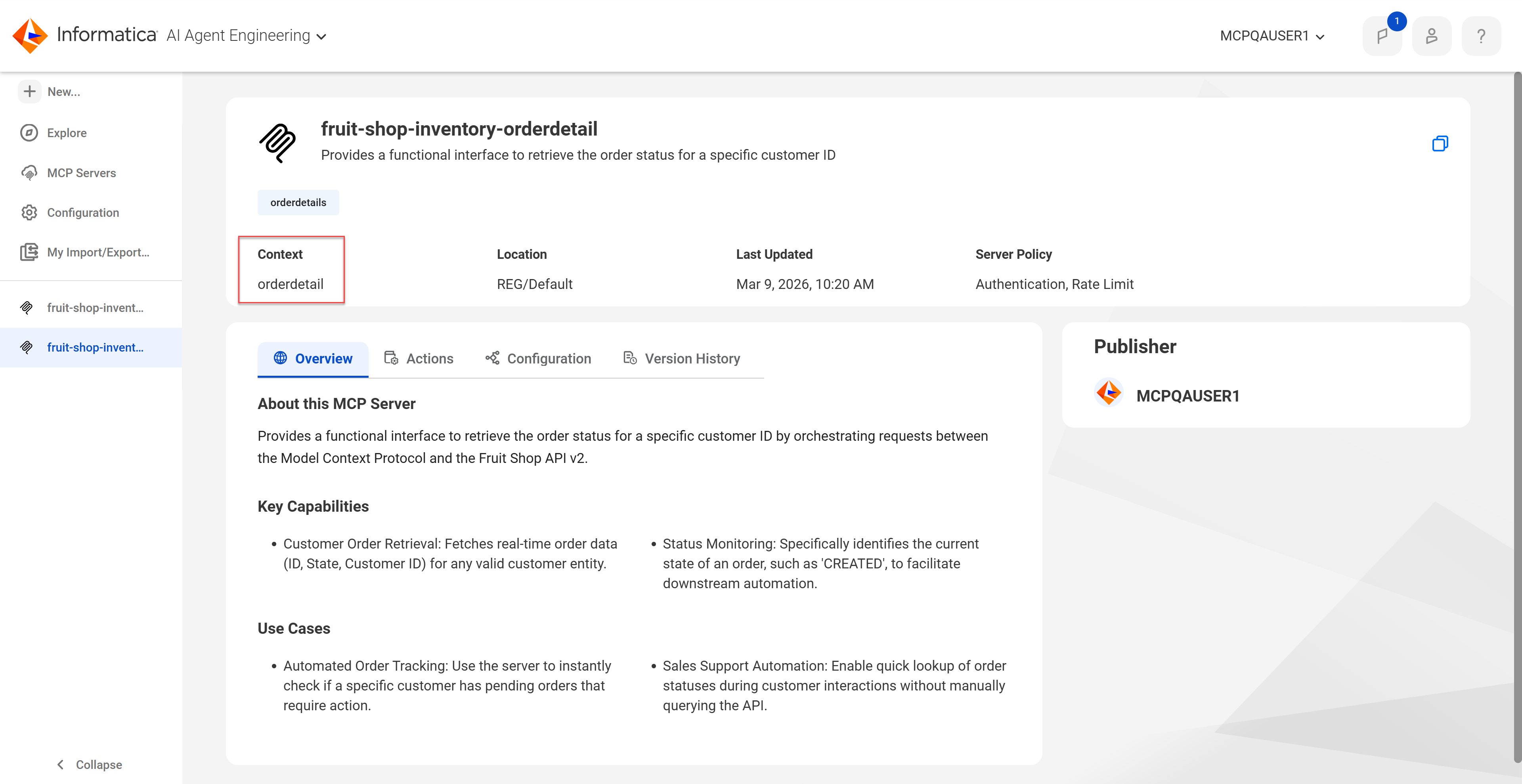
You can view the context for a deployed instance in the top panel of the server details page for the deployed instance. The following image shows the context:
When you define a context, you can select an existing context or define a new context. The context is appended at the end of the endpoint URL string.
The following example shows an endpoint URL string in which the context is set to "myusecase":
Use the following guidelines when you define a new context:
•The context can contain only lowercase letters, numbers, and hyphens (-).
•The context can contain up to 100 characters.
•You can enter an optional comment that describes the use case for the context.
When you deploy an MCP server, the instance is created with the assigned context. If you deploy the MCP server again with a different context, an additional instance is created. If you redeploy an MCP server with the same context as an existing instance, the original instance is overwritten.