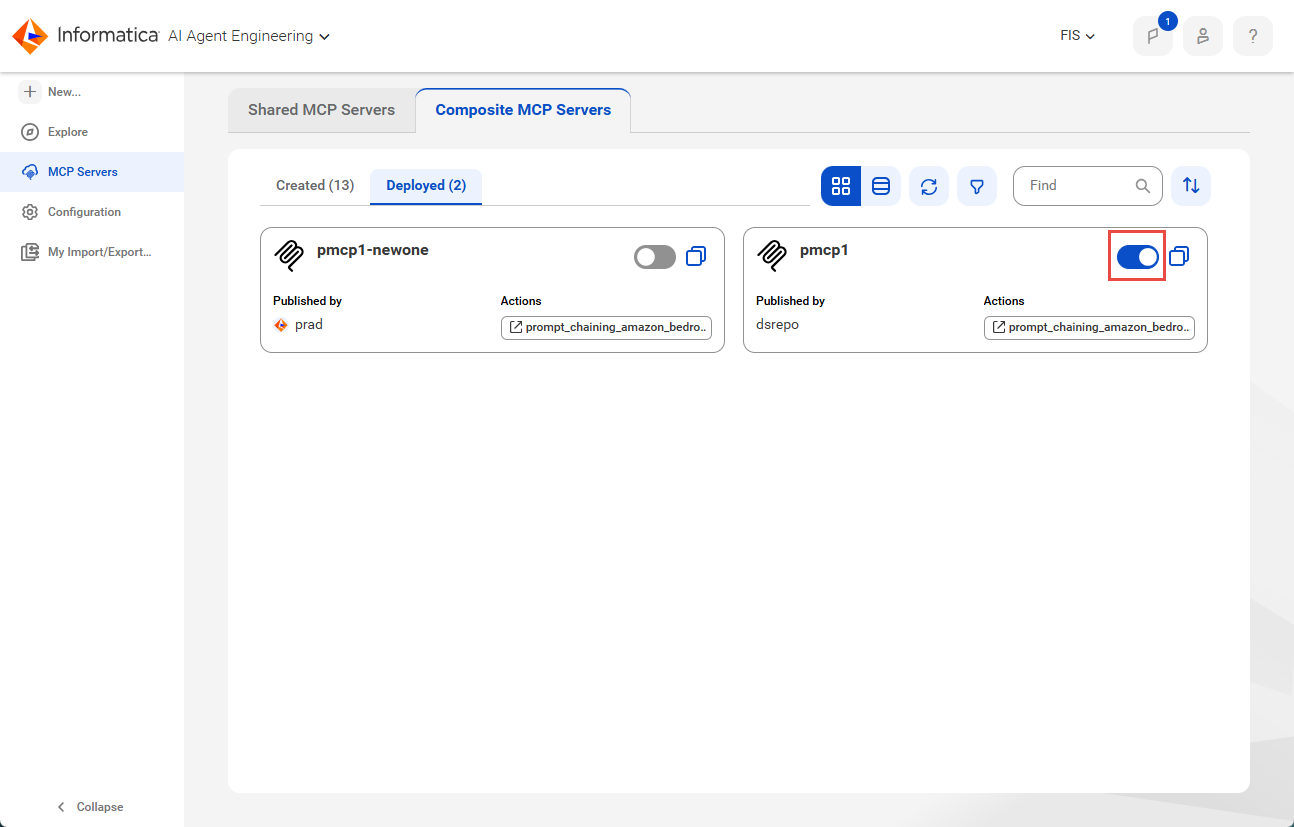
When you deploy a composite MCP server, it's enabled by default. You can disable the deployed instance to make it temporarily unavailable. Re-enable it to make it available for use again.
1Click MCP Servers in the navigation menu on the left.
2On the MCP Servers page, select the Composite MCP Servers tab, followed by the Deployed tab.
3Use the toggle to enable or disable the deployed instance, as shown in the following image: