1Open the Create Uniqueness Data Quality Rule Occurrences in Data Governance and Catalog recipe and click Use.
2Select the location where you want to copy the recipe, and then click Continue.
3In the Copying the recipe dialog box, click OK.
It might take some time for the recipe to get copied. You will receive a notification when the recipe is ready for use.
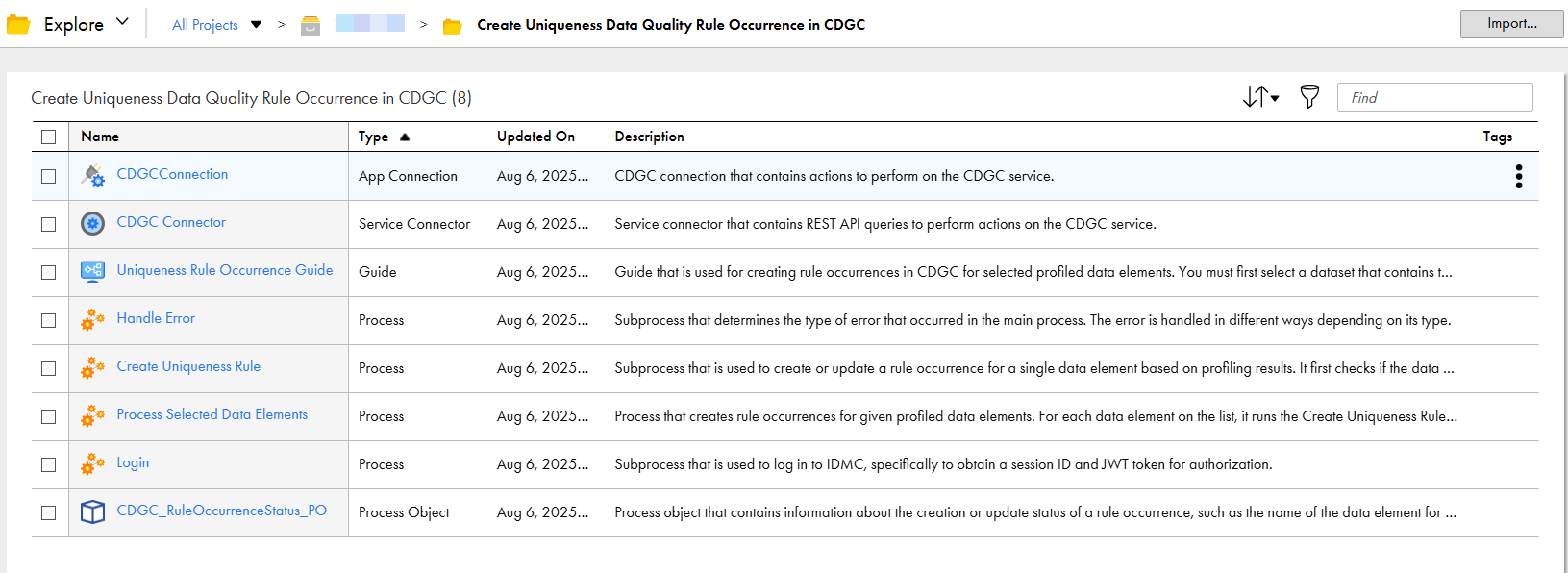
4After the recipe is copied, click Explore to access the recipe content.
5Navigate to the project or folder where you copied the recipe or enter the recipe name in the Find box.
All the assets in the recipe are displayed as shown in the following image: