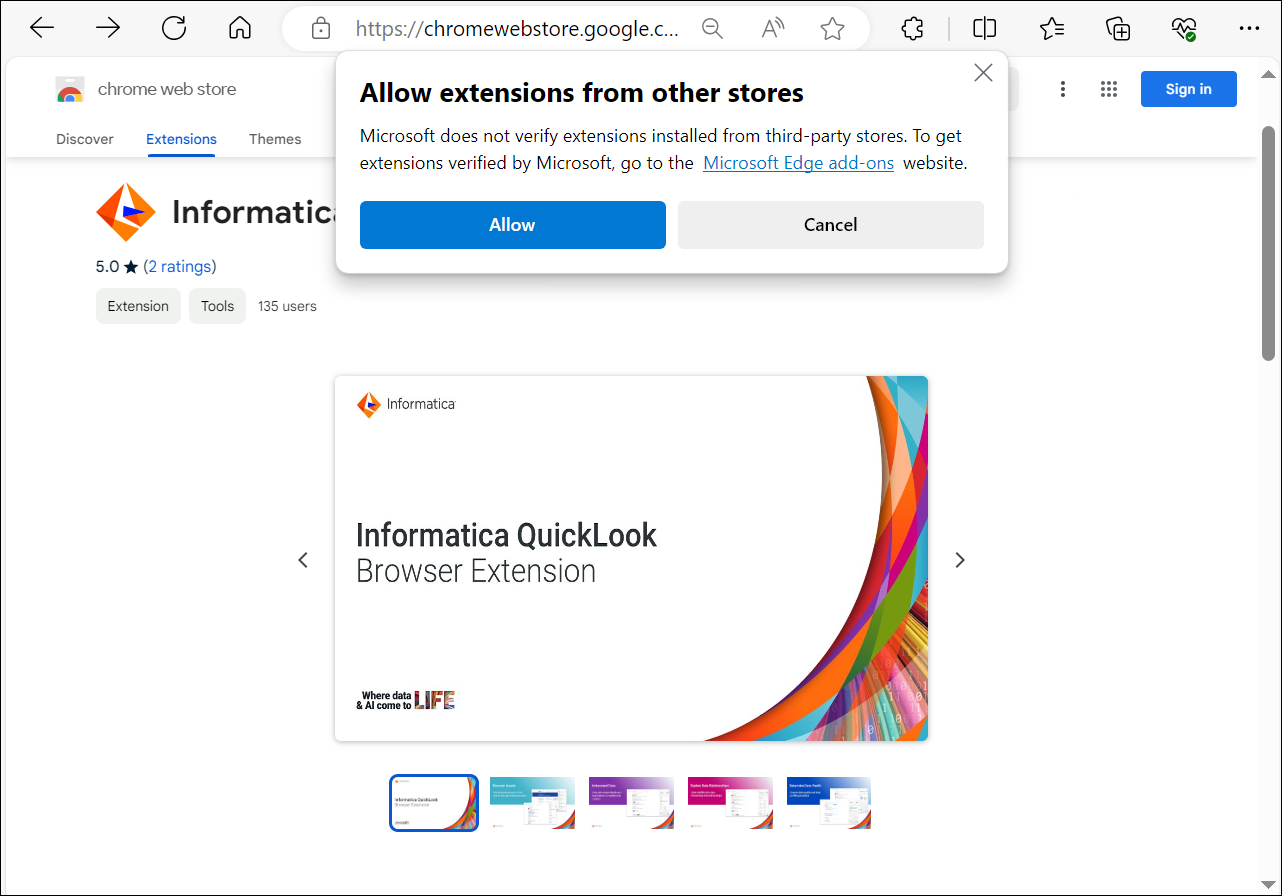
Install the Informatica QuickLook browser extension on your web browser. You can install this browser extension only on Windows or Mac operating systems.
2Search the store for the 'Informatica QuickLook' extension.
3Click Add to Chrome.
4Click Add Extension to approve the permissions that the extension needs to access the data in your organization.
The Informatica QuickLook extension is added to your Google Chrome browser.
Note:
The Informatica QuickLook browser extension on Google Chrome uses multiple permissions to access the metadata in your organization. You might see certain warnings displayed by the Chrome Web Store that Informatica can't prevent the Chrome Web Store from displaying.
For more information on the permissions that the Informatica QuickLook browser extension uses for Google Chrome, see the Knowledge Base article KB 000257452.
Install the browser extension on Microsoft Edge
To install the browser extension on Microsoft Edge: