The Monitor page stores logs of all the conversations between a user and the AI agent. Use the conversation log for legal or archival purposes or to help troubleshoot issues.
Users with read privileges on agent flows can fetch the conversation logs for all AI agents in the organization.
To access the conversation logs, perform the following steps:
1From the navigation menu, select Monitor.
2On the Monitor page, click Fetch Conversation Log for a session.
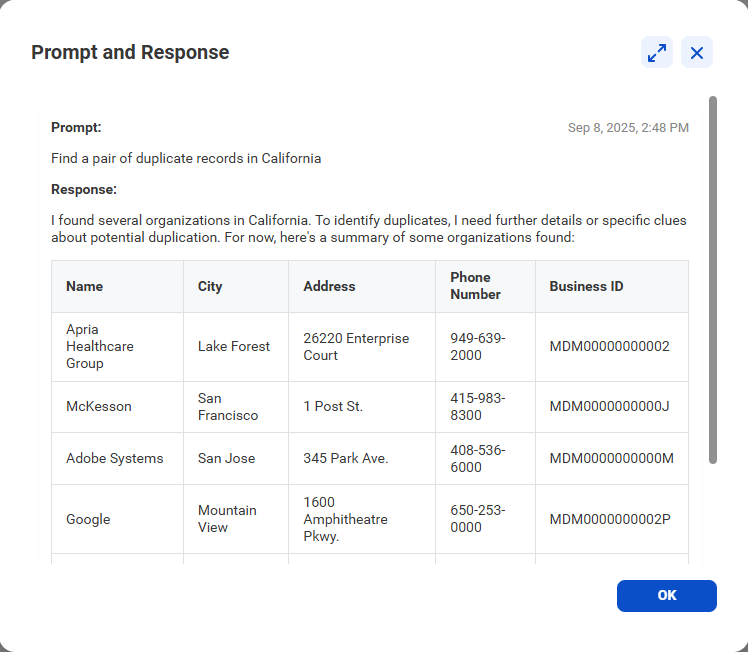
The following image is an example of the prompt and response returned in the log: