1To assign a single task to a user or user role, click the Assign icon for the task in the task inbox.
The following image shows the Assign icon: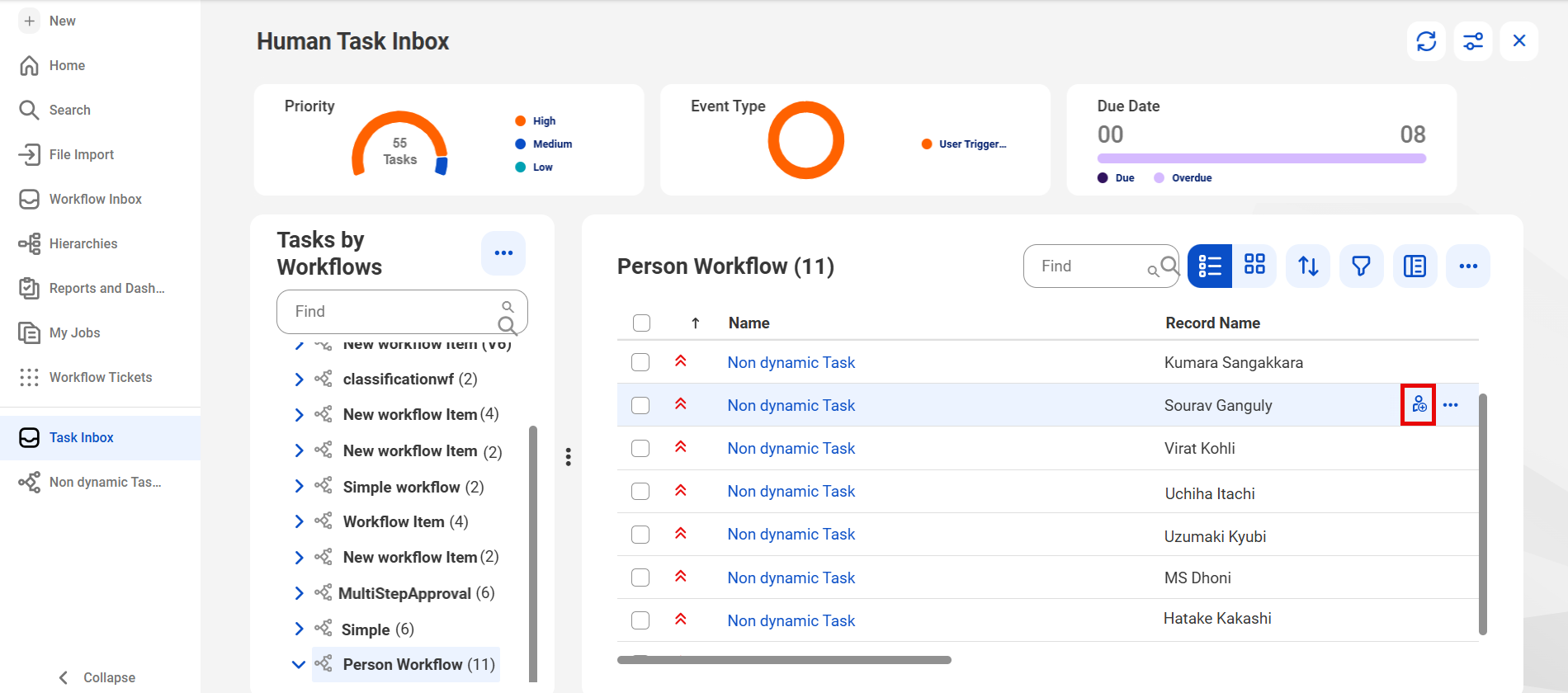
2To assign multiple tasks to a user or user role, select the tasks and click Bulk Actions > Assign in the task inbox.
The following image shows the Bulk Actions button: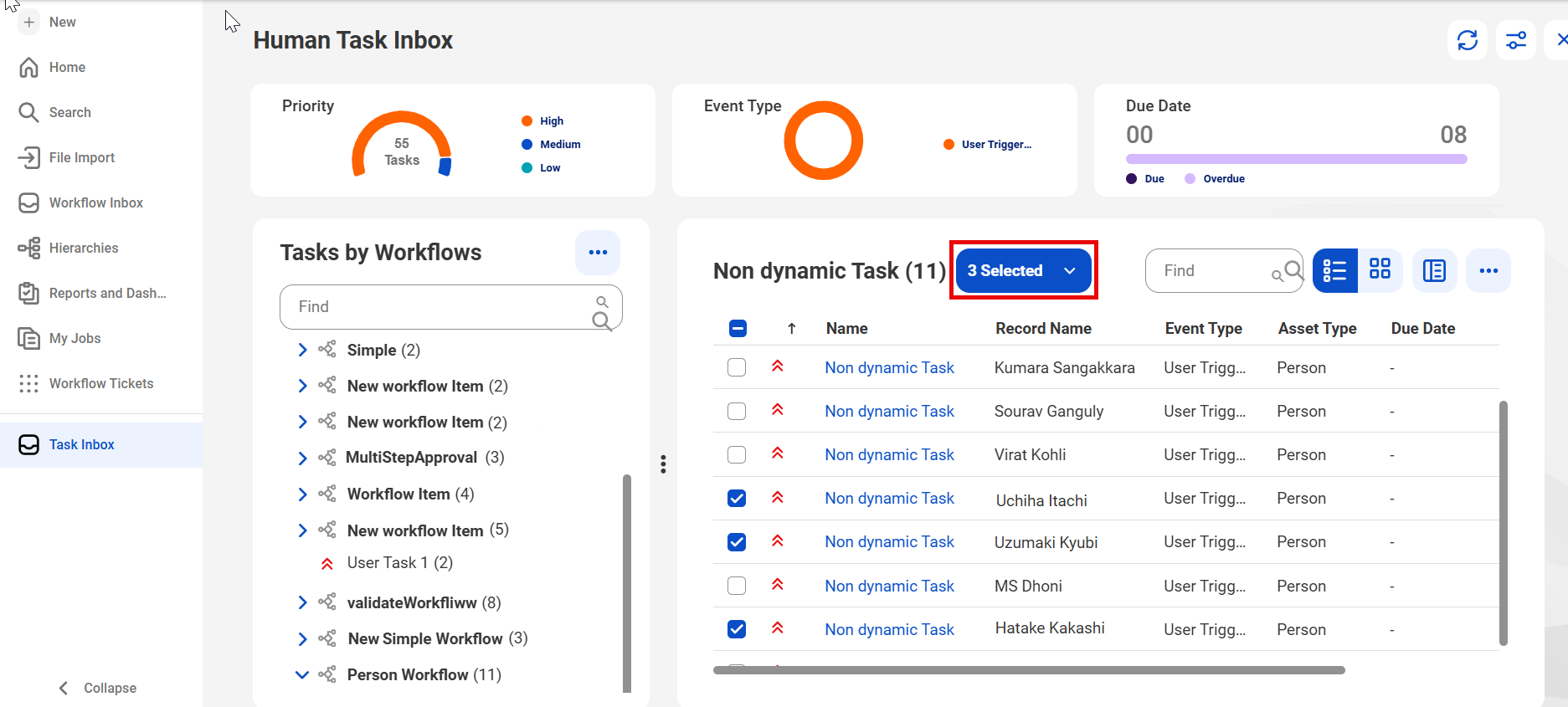
3To assign tasks to user roles, click the Roles tab in the Assign Task dialog box and select the user roles.
4To assign tasks to users, click the Users tab in the Assign Task dialog box and select the users.
5Click Assign.