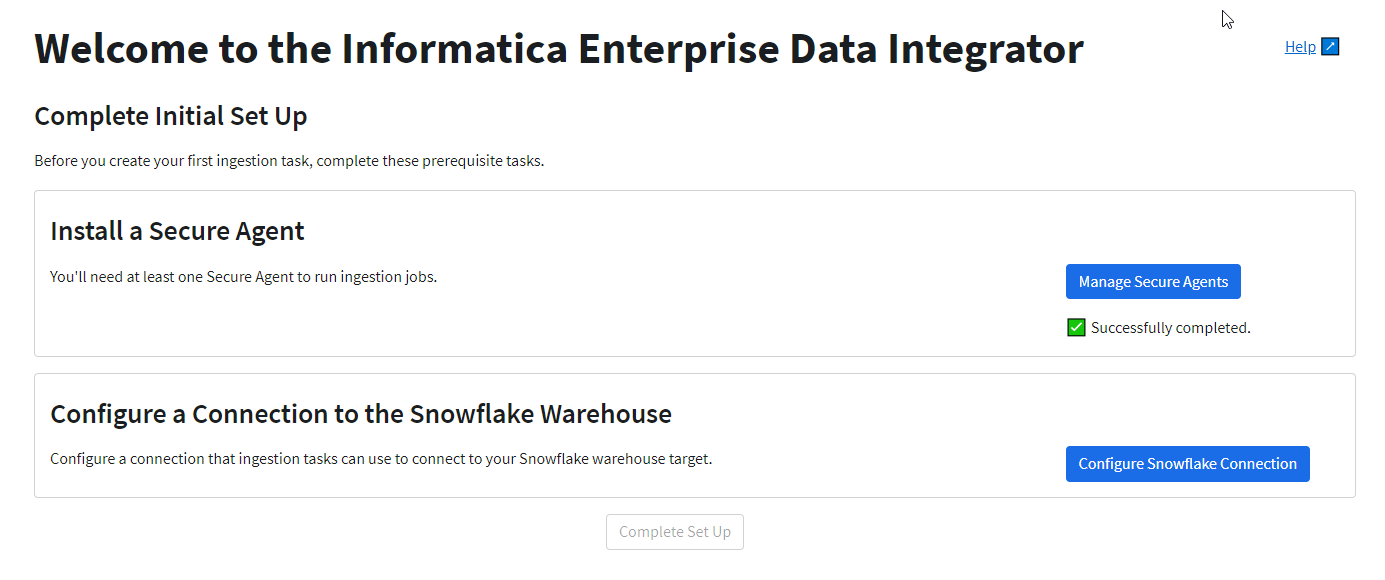
The first time you log in to Informatica Enterprise Data Integrator, you'll be prompted to review prerequisites and then click Continue to Setup to advance to the Initial Setup page. From this page, you'll install a Secure Agent and configure a Snowflake target connection.
You need at least one Secure Agent to be able to create and run replication tasks. The Snowflake connection is used by your replication tasks to connect to the target.
The following image displays the Initial Setup page:
When you're done with both tasks, click Complete Setup.
The next time you log in, the Initial Setup page will not be displayed again. However, you'll still be able to add a Secure Agent and edit the Snowflake connection from the Home page.