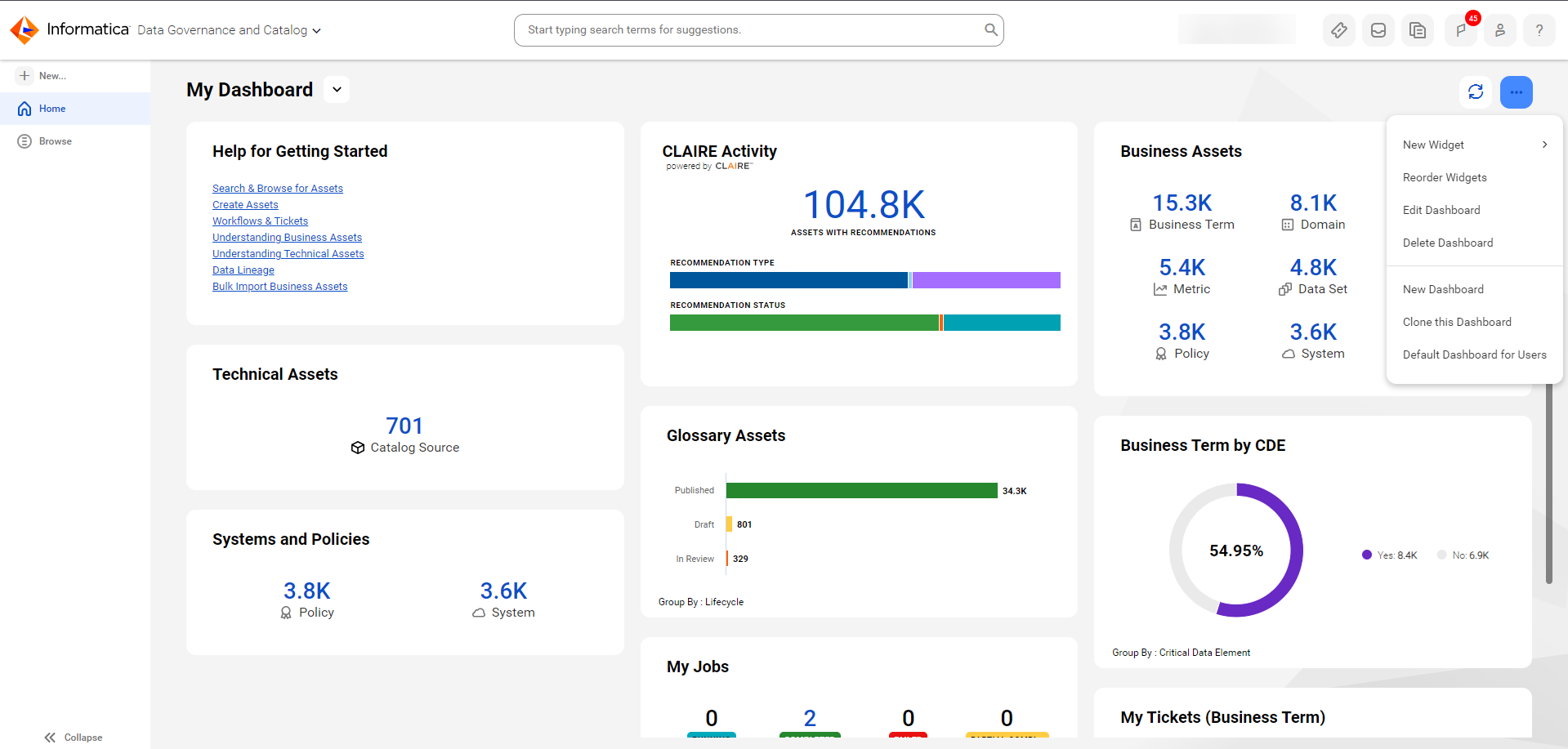
A general dashboard can contain multiple widgets, each of which displays summary information for different type of operations. By default, the general dashboard is available to all users in your organization.
Data Governance and Catalog creates and sets a general dashboard called My Dashboard as the organization-default dashboard for the Home page.
When you create a new dashboard in Data Governance and Catalog, you create a general dashboard. On newly created dashboards, you can add the same widgets that you see on My Dashboard. For more information about creating and modifying dashboards, see Working with dashboards.
On a general dashboard, each widget displays a summary of an operation or a type of asset. To view more information from the widget, you can click the widget to expand it. The widget-types that you can add to a general dashboard include widgets for data quality, CLAIRE GPT, and search-based widgets. For more information about types of widgets, see Widget properties.
The following image shows My Dashboard with the action menu open: