Set Up Data Marketplace > Create new items
  

Create new items

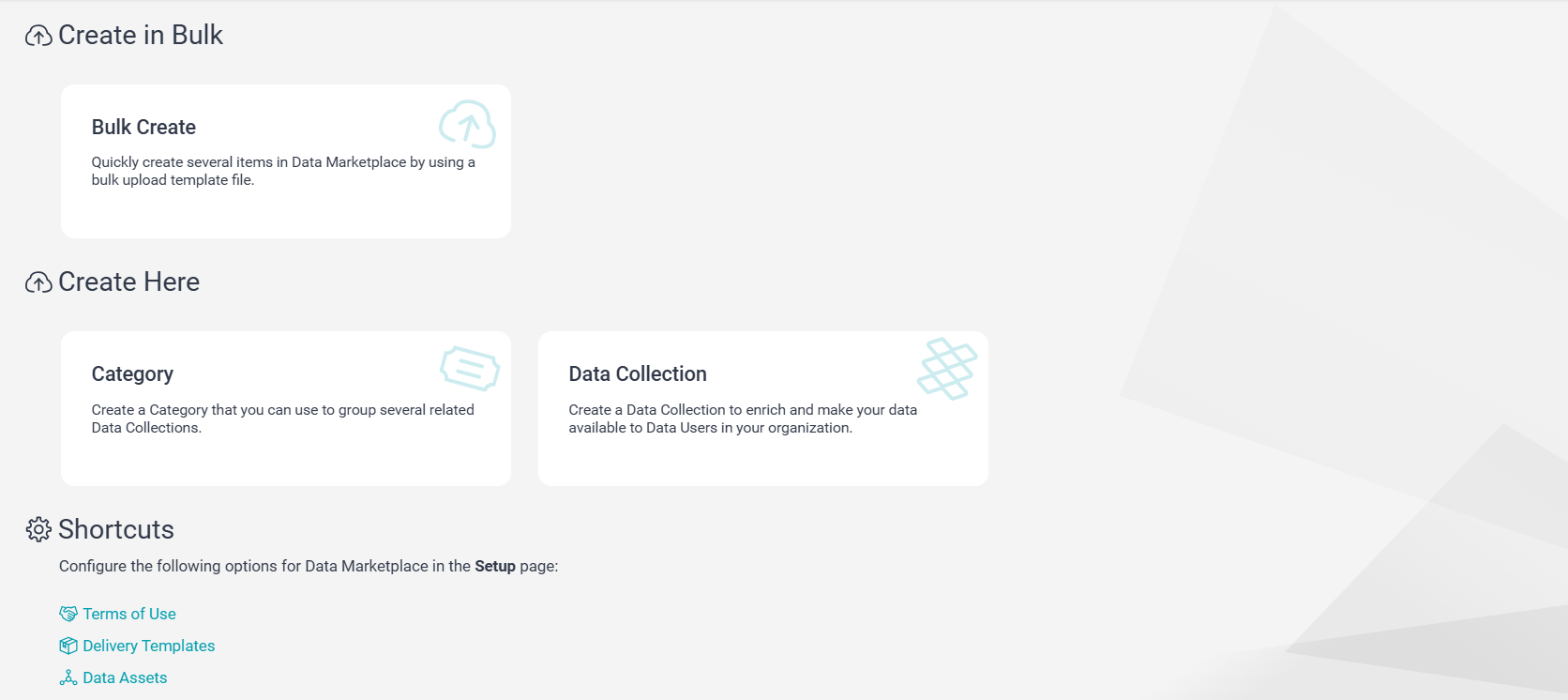
On the New page, you can create Data Marketplace objects.
The contents of the New page differ based on your user profile. Depending on your user privileges, the tasks on the page appear. For more information about the permissions and privileges required to view the New page, see Predefined roles in the Introduction and Getting Started help.
The following table lists the tasks that you can perform on the New page:
Task
Topic
Create bulk data
Create categories
Create data collections
See Creating data collections in the Working With Data Collections help.
Configure terms of use
Configure delivery options
Create native data assets
The following image shows how the New page appears when you log in as a Data Marketplace Administrator:
The New page in Data Marketplace with options to create a category, data collection, data asset, or run a bulk create.